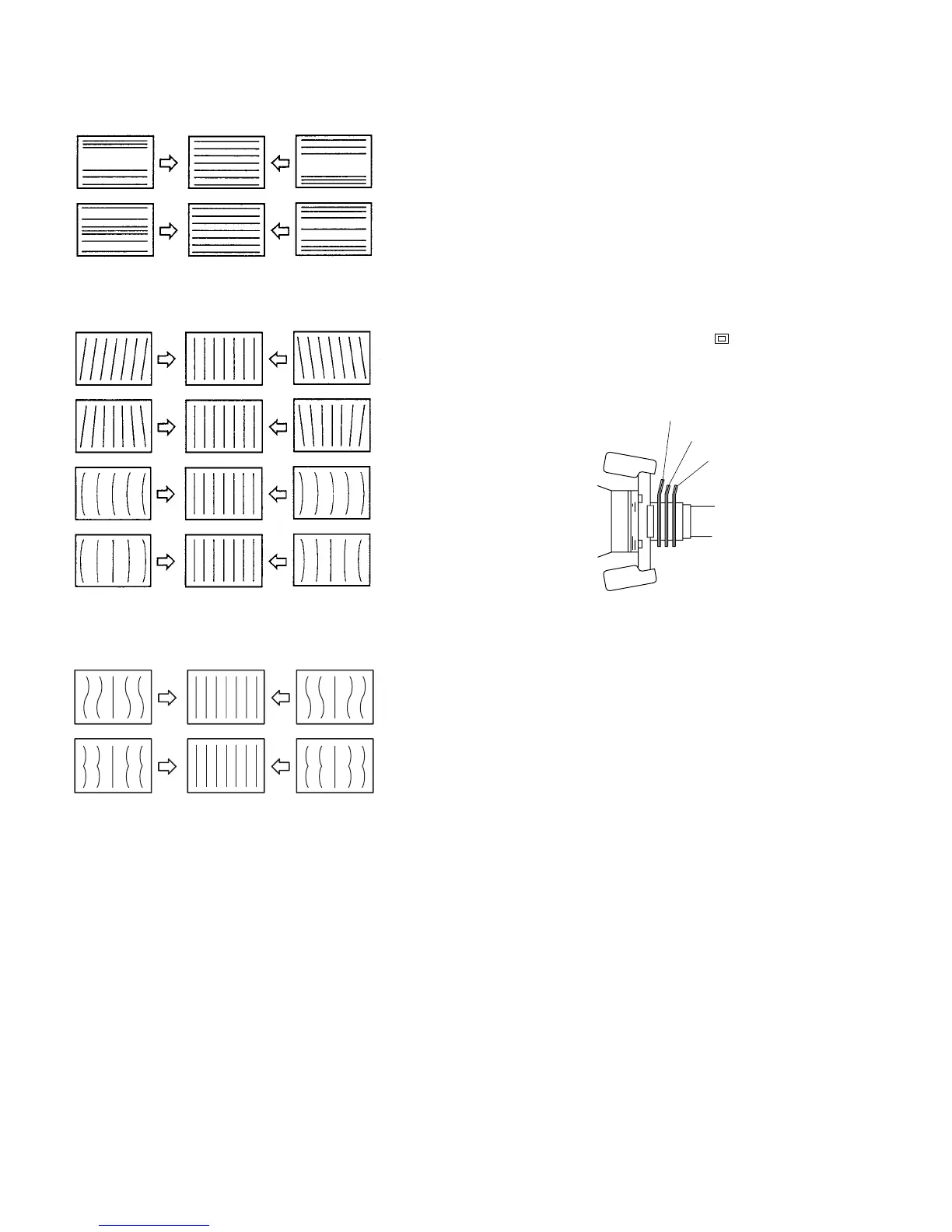
[Convergence Adjustment]
. Preparation
1. Connect the 480/60p cross-hatch signal to the ANA-
LOG Y/G input connector.
2. Press the SHIFT button to ON. [The LED (orange) on
top of the button turns on.]
3. Press the 16:9 OFF button [to turn off the LED
(orange)] to select the 4:3 mode.
4. Press the SHIFT button to OFF. [The LED (orange)
on top of the button turns off.]
5. Press the UNDER SCAN button ( ) to its OFF
position to select the NORMAL mode.
[The green LED turns off.]
Fig. 1-11
H COR S
H COR PIN








 To Next Page