- 12 -
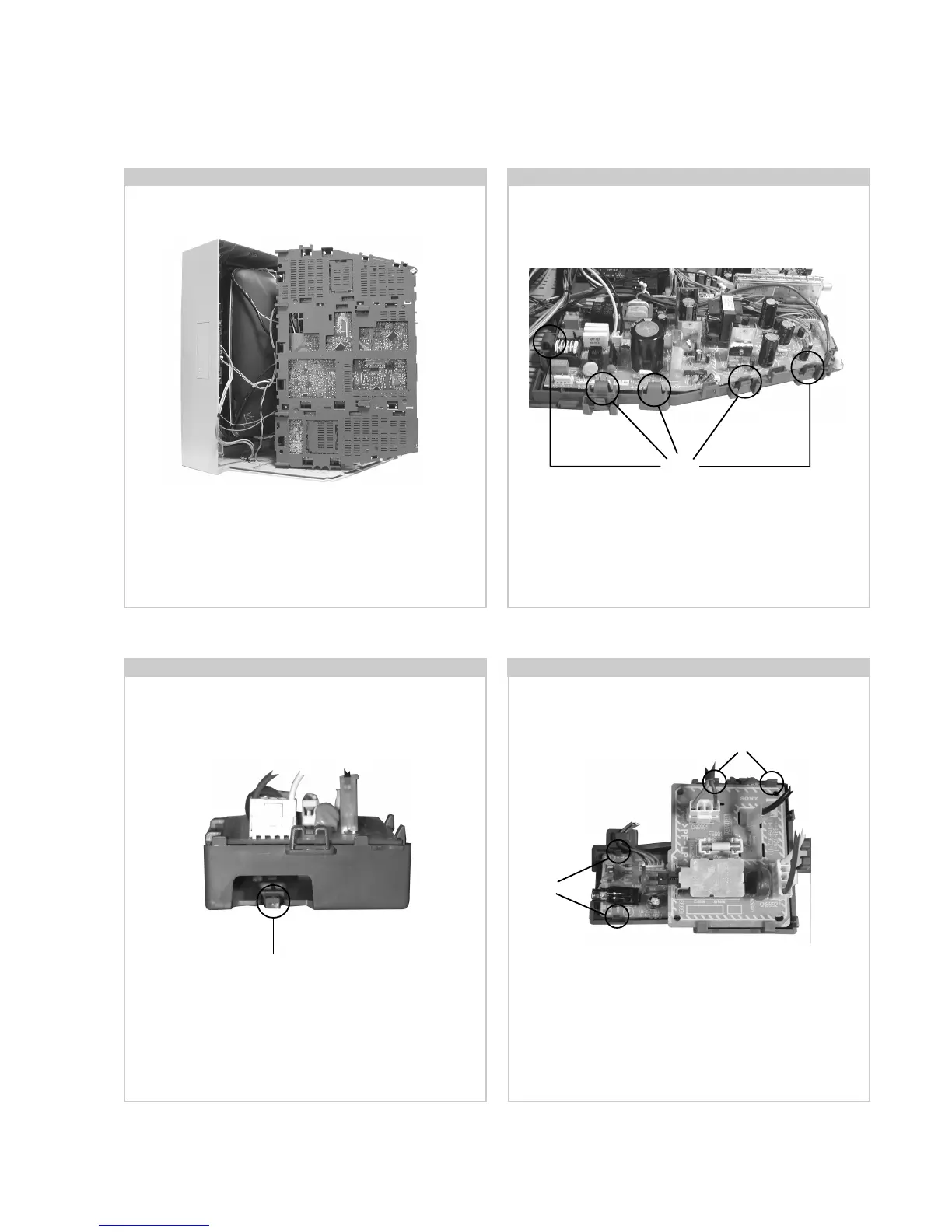
Release the clips circled and pull the bracket towards the rear of
the set. The bracket can then be removed to allow access to the
boards.
2-4. Service Position 2-5. D and G Board Removal
2-6. F4 Bracket Removal
To remove the G Board release the clips circled and ease the
board gently away from the support bracket. Removal of the
D Board follows the same procedure.
Position the chassis as indicated to access the solder side.
To gain access to the underside of the boards follow the
instructions on page 15. [Removal and Replacement of the
main bracket bottom plates ].
2-7. F4 and H1 Board Removal
To remove the F4 and H1 Boards release the clips circled and
ease the boards gently away from the support bracket.
Clips
Clip
Clips
Clips





 To Next Page