7
Enter the letters (up to four) to caption the channel:
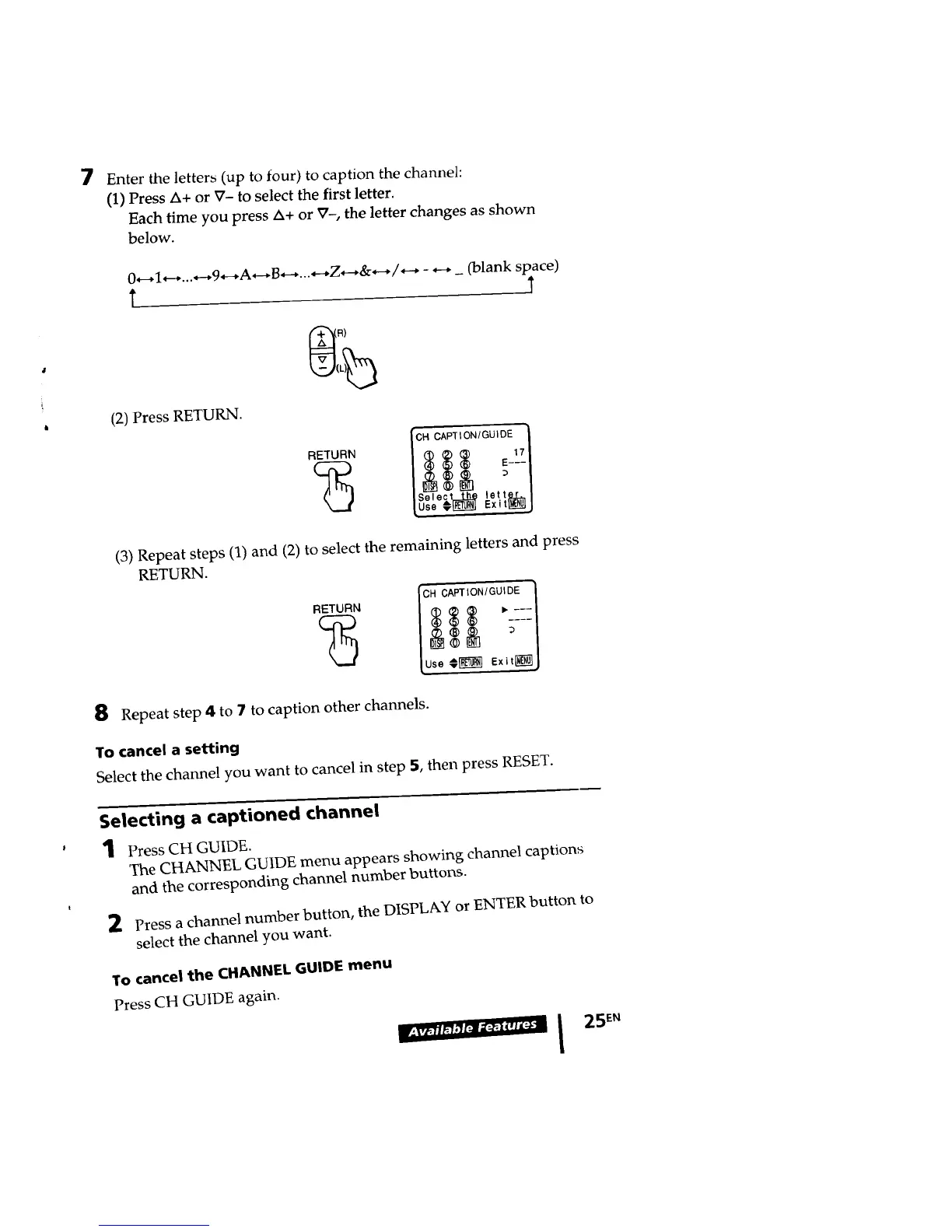
(1) Press _+ or ?- to select the first letter.
Each time you press _+ or ?-, the letter changes as shown
below.
#
i
0*--_I_-_...*--_9_--_A,-_B..... Z*---,&.-./,--_ - _ _ (blank space)
t T
(2) Press RETURN.
'CH CAPTION/GU)DE J
"_" I _ _ _ _z_l
/ e ecLthe lettKL,./
[u_e_ E_it_j
(3) Repeat steps (1) and (2) to select the remaining letters and press
RETURN.
8
Repeat step 4 to 7 to caption other channels.
To cancel a setting
Select the channel you want to cancel in step 5, then press RESET.
Selecting a captioned channel
1 Press CH GUIDE.
The CHANNEL GUIDE menu appears showing channel captions
and the corresponding channel number buttons.
2 Press a channel number button, the DISPLAY or ENTER button to
select the channel you want.
To cancel the CHANNEL GUIDE menu
Press CH GUIDE again.








 To Next Page