– 16 –
KV-PF21N70/PF51P40/PF21P70/PF21Q40
RM-915 RM-952 RM-952 RM-952
KV-PF21Q70/PF21M70/PF21DK7
RM-952 RM-952 RM-952
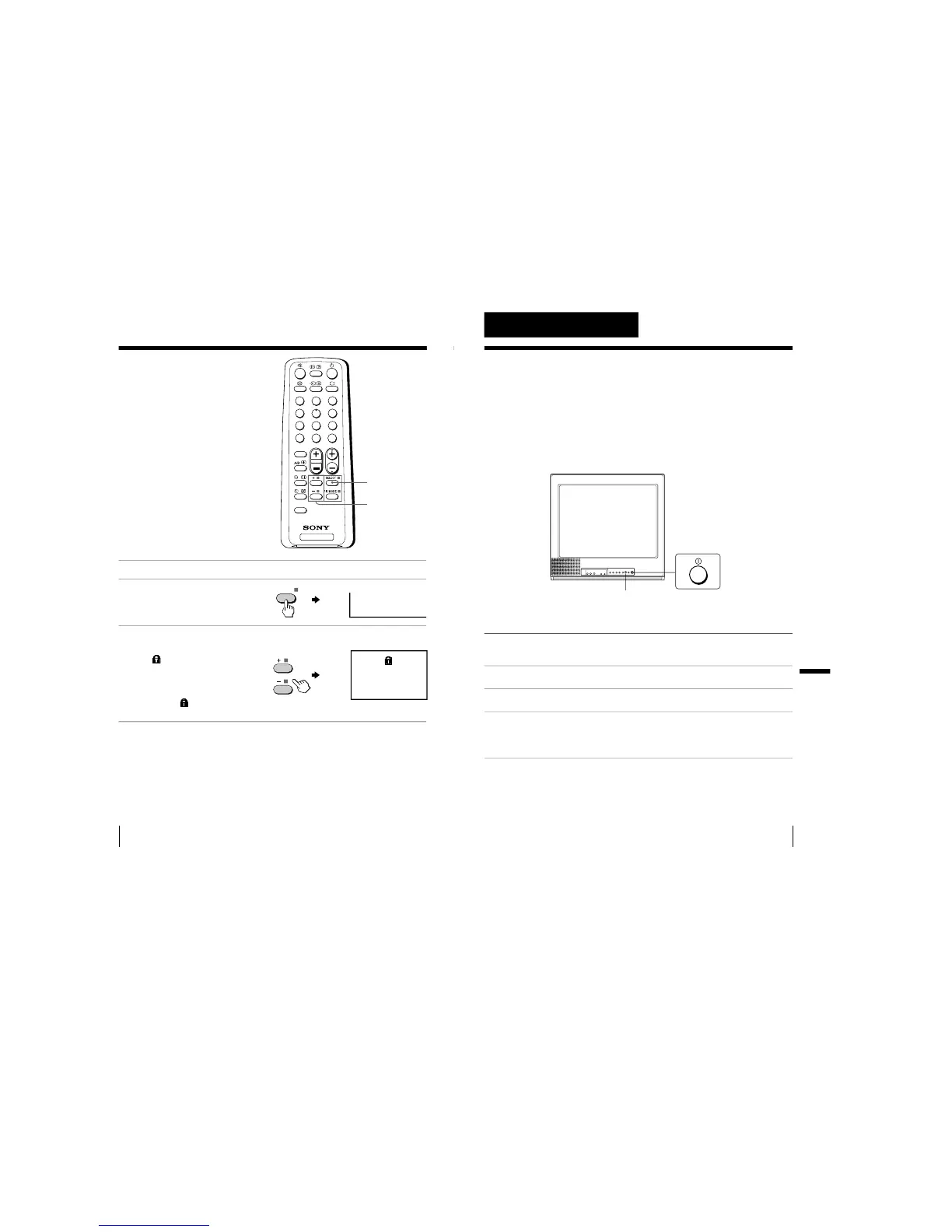
Blocking the
channels
(CHILD LOCK)
You can prevent a child from watching
certain programs by using the buttons
on the remote control.
1
Select the TV program you want to lock.
2
Press SELECT until
“CHILD
LOCK” appears on the
screen.
3
Press + or – to select
“ON”.
The
symbol appears on
the screen.
To unlock the channel,
press + or – to select
“OFF”. The
symbol
disappears from the screen.
Note
• If you preset a locked channel, that particular channel will be unlocked
automatically.
SELECT
+ or –
17
Additional Information
Additional Information
Self-diagnosis
function
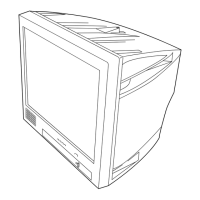
Your TV is equipped with a self-diagnosis function. If there is a
problem with your TV, the u indicator flashes red. The number of
times the u indicator flashes indicates the possible causes.
1
Check that the u indicator flashes red a number of times between 3-second
intervals.
2
Count the number of times the u indicator flashes.
3
Press U (main power) to turn off your TV.
4
Inform your nearest Sony service center about the number of times the
u indicator flashes.
Be sure to note the model name and serial number located on the rear of
your TV.
Front of TV
Additional Information
u indicator





 To Next Page