(
. ' '- . . ',- ': ' . '~" ·:,.
~
Power Sources -·, -->
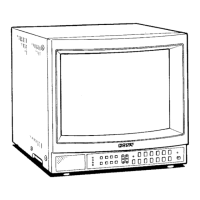
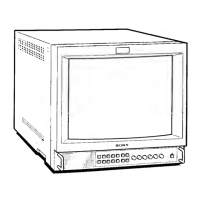
PVM-1353MD
House Current ·
Connect the supplied AC power cord to the AC IN socket
on
the rear panel and to a wall outlet.
to a wall outlet
========= ....
To connect an AC power cord securely with the AC plug holder
1 AC IN socket
Plug the power cord into the AC IN socket. Then, attach
the AC plug holder (supplied) on top of the AC power
cord.
To remove the AC power cord
Pull out AC plug holder by squeezing the up and down sides.
-15-
2
Slide the AC plug holder over the cord until it connects
with the attached
holder.
11


 To Next Page
 Loading...