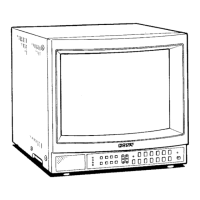
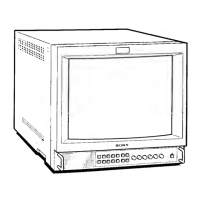
PVM-1353MD/1453MD
8. OVER SCAN Adjustment
1. Input a 525 monoscope signal.
2. Set:
CONT · · · · · · · · · · · · · · · · · · 80% ( center click)
BRT ····················50%
3. Set to 0/S mode.
4. Set to service mode.
5. Adjust JO/SH.
SIZEJ and JO/S V. SIZE <60>J so that H.
SIZE becomes 13.6 frames and
V. SIZE becomes 10.2
frames.
6. Adjust horizontal deflection section with
J 0/S PIN AMP j
0/S PIN PHASE 0/S U/L PIN J 0/S LOW PIN AMP J
0/S LOW V. BOW .
7. Input a 625 monoscope signal.
8. Adjust
J 0/S V SIZE <50> I becomes within the standard
value.
Standard value
525
625
0/SH. SIZE
13.6 ±~' frames
13.0
±t' frames
0/S V.SIZE 10.2 ±i' frames
9.8 ±i' frames
0/S PIN. /\MP
[]] ::) [JJJJ ¢: [I]
ors l'lN. PHASE
0/S U/L. PIN
[]] ::) [JJJJ ¢: [I[]]
0/S LOW PIN. /\MP
0/S LOW now
Fig. 5
9. OSD POSITION Adjustment
· 1. Input a 525 color bar signal.
2. Connect the oscilloscope probes to TP300 (H-BLK) and
IC104 Pin 14.
3.
Agjust .-IO_S_D_P_O_S_IT_I_O_N~I so that the gap between the rising
edge of the H-BLK waveform and the right edge character
(the right edge of the
"D" for service mode
!OSDPOSITIONI) is: 57 µS + 0.2 µS
H-BLK
IC104
PIN14
57 ± 0.2 µS
Fig. 6
10. WRITING THE ADJUSTMENT
I. Write the adjustment results into memory.
Note : If you cut off the power before writing, the results of
your adjustments are all lost.
-42-


 To Next Page
 Loading...