60
nN
Using Your VAIO Computer
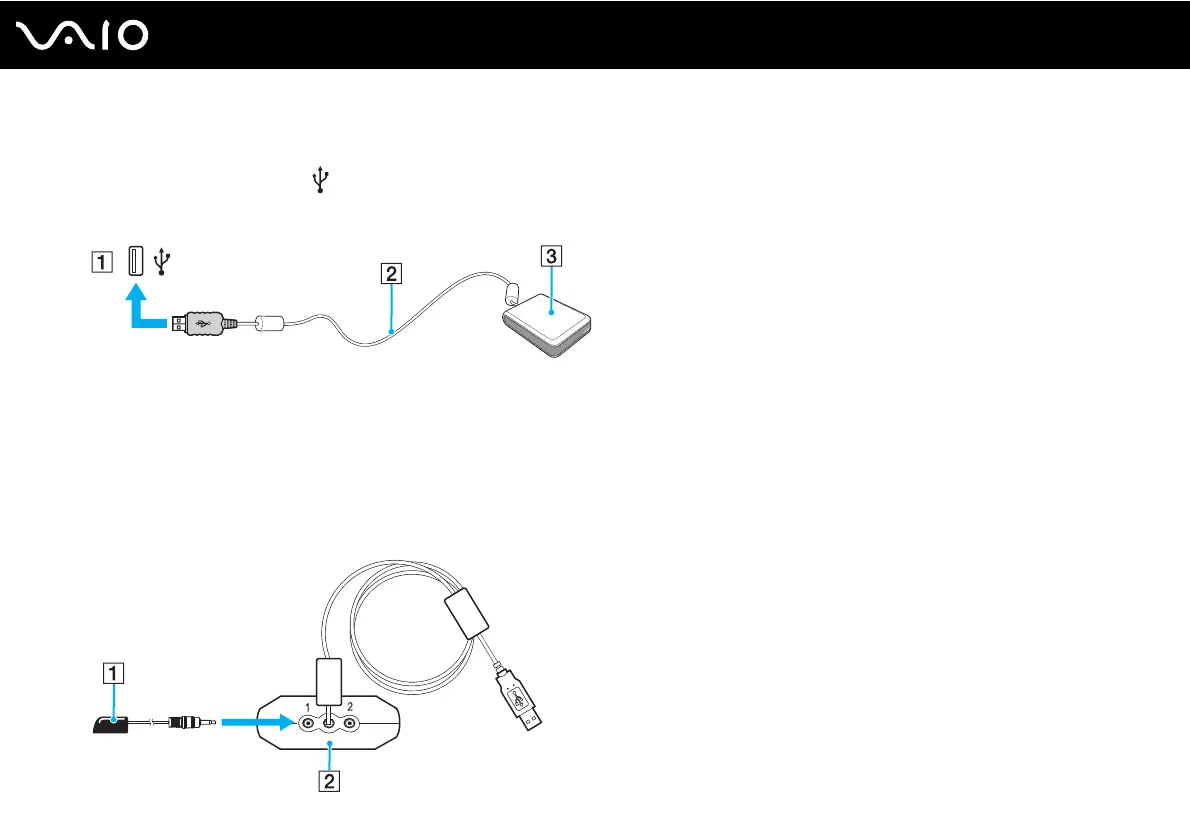
To connect the remote sensor
1 Choose the USB port (1) you prefer to use.
2 Plug the remote sensor cable (2) into the USB port.
3 Position the remote sensor (3) to enable unobstructed communication with the remote commander.
To connect the remote sensor control
✍
If you are using a cable or satellite set-top box, you can attach the remote sensor control to the set-top box, which enables you to control the set-top
box with the remote commander.
1 Plug the cable from the remote sensor control (1) into either jack (1 or 2) on the back of the remote sensor (2).



 To Next Page