59
nN
Using Your VAIO Computer
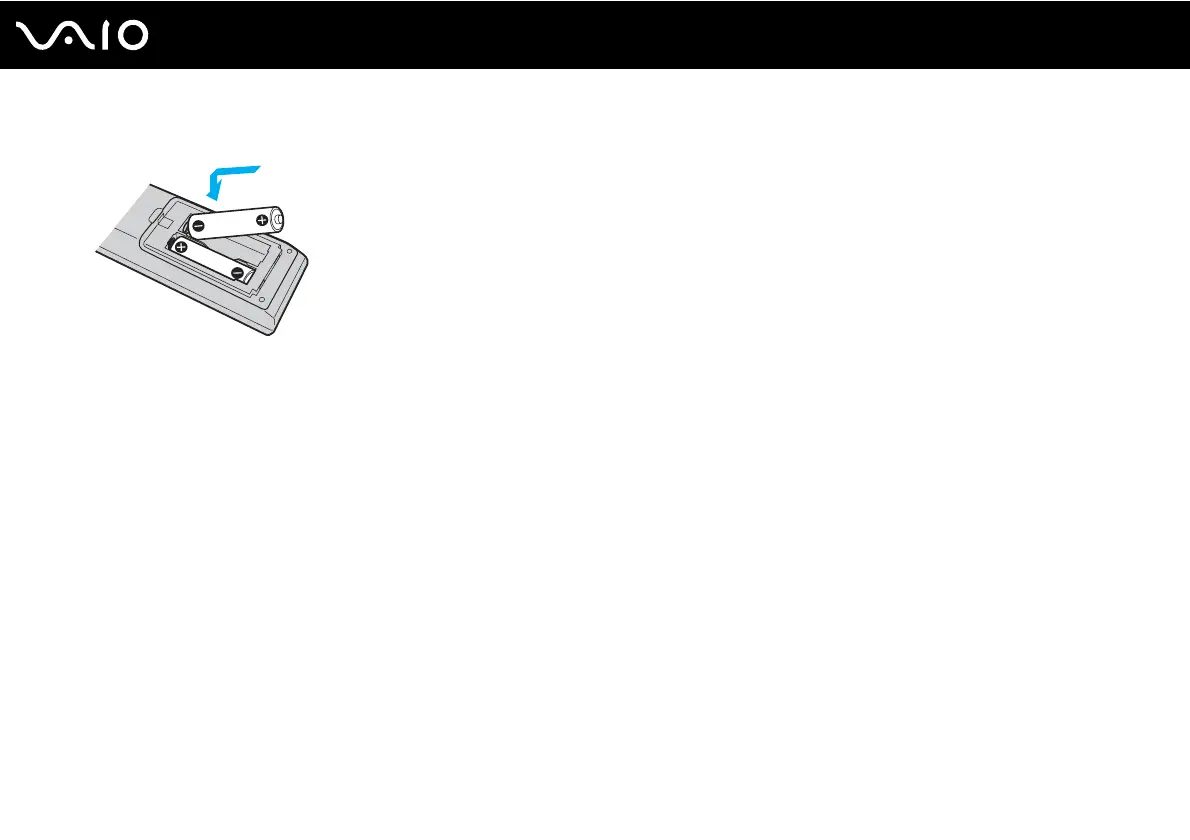
3 Insert the supplied two AA batteries into the remote commander.
4 Put the battery cover back on the remote commander and slide it in the reverse direction of the arrow illustrated above
until the cover clicks into place.
✍
If the remote commander does not operate properly, you may need to replace the batteries. When the remote commander is not going to be used for
an extended period of time, remove the batteries to avoid possible damage from battery leakage.



 To Next Page