39
nN
Using Your VAIO Computer >
Using Special-function Buttons
Using Special-function Buttons
Your computer is equipped with special buttons to help you use specific functions of the computer.
Some features and options in this section may not be available on your computer.
See the specifications to find out about the configuration of your computer.
Touch Sensor Buttons
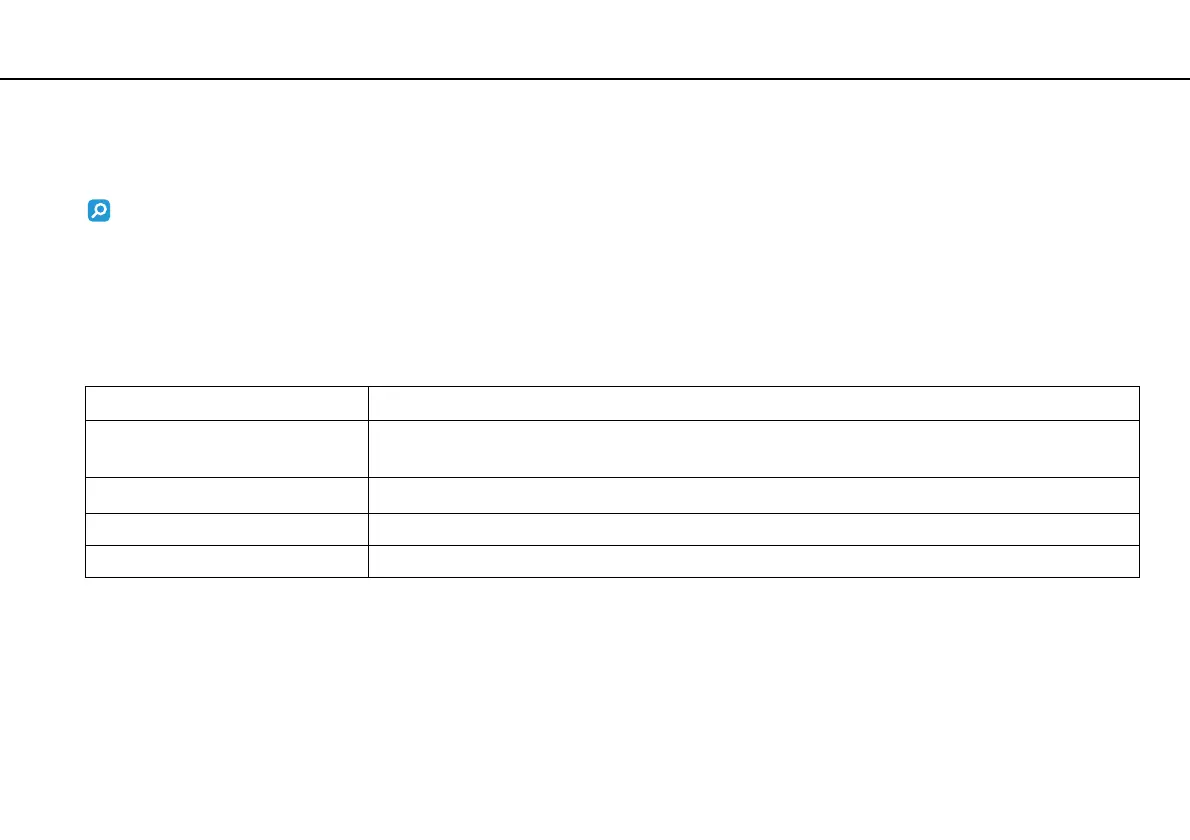
Each touch sensor button has the indicator light above the button. When you touch the button, the corresponding indicator
light turns on.
Special-function button Functions
u Play/Pause button
Starts or pauses playback of a CD, DVD, or Blu-ray Disc
™ *
media or a music/video file stored on the built-in
storage device.
x Stop button
Stops playback of a CD, DVD, or Blu-ray Disc
*
media or a music/video file stored on the built-in storage device.
. Previous track button Plays the previous chapter/file during video playback or the previous song/file during audio playback.
> Next track button Plays the next chapter/file during video playback or the next song/file during audio playback.
*Use the WinDVD BD for playback.



 To Next Page