88
nN
Using Peripheral Devices >
Connecting a USB Device
Connecting a USB Device
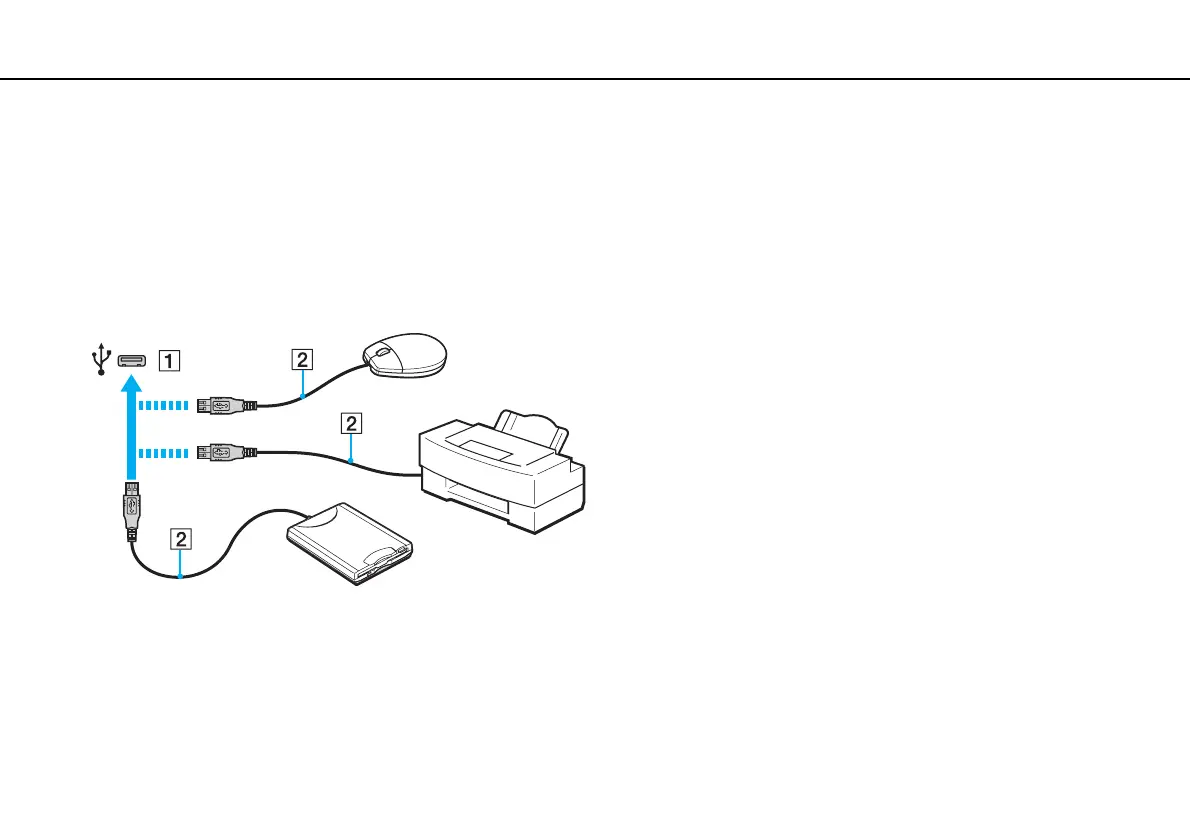
You can connect a Universal Serial Bus (USB) device, such as a mouse, a floppy disk drive, a speaker, or a printer, to your
computer.
To connect a USB device
1 Choose the USB port (1) you prefer to use.
2 Plug the USB device cable (2) into the USB port.



 To Next Page