65
nN
Using Your VAIO Computer >
Using the Network (LAN)
Using the Network (LAN)
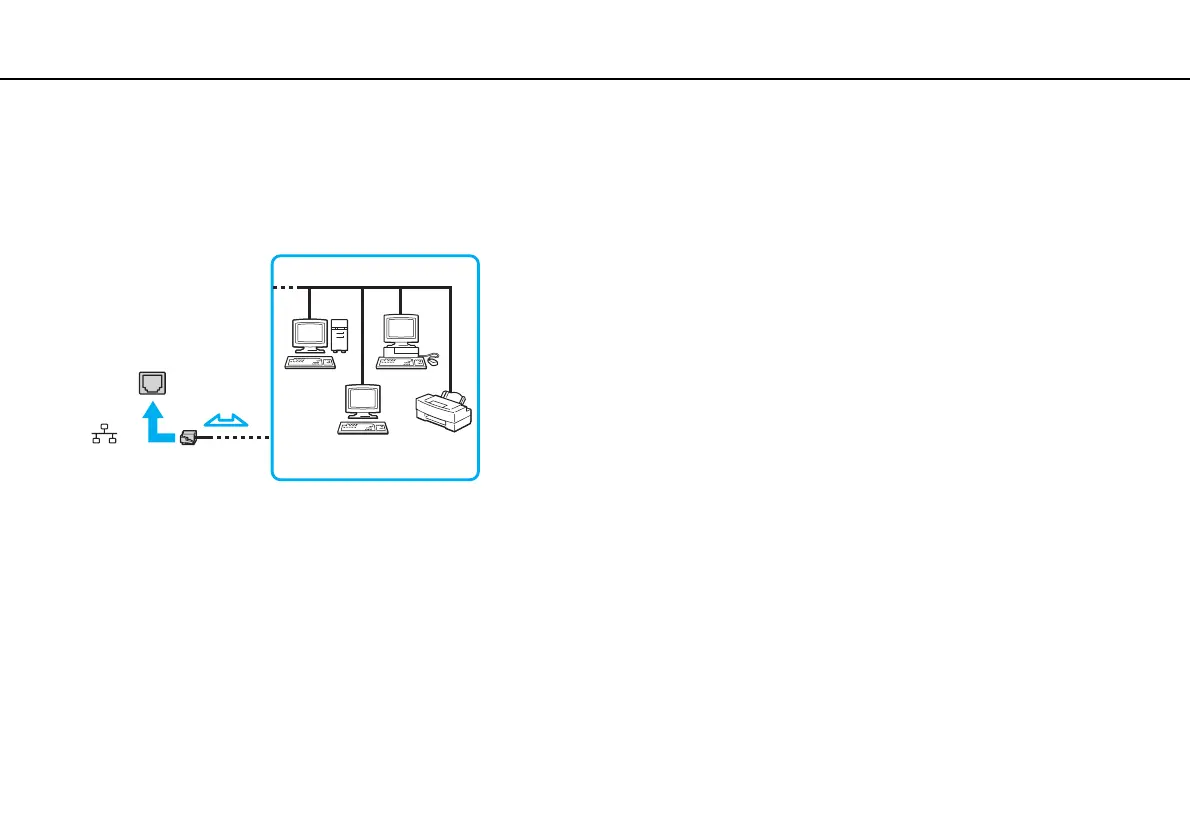
You can connect your computer to 1000BASE-T/100BASE-TX/10BASE-T type networks with a LAN cable. Connect one end
of a LAN cable (not supplied) to the LAN port on the computer and the other end to your network. For detailed settings and
devices required for LAN access, ask your network administrator.
✍
You can connect your computer to any network without changing the default settings.
!
Do not plug a telephone cable into the LAN port on your computer.
If the LAN port is connected to one of the telephone lines mentioned below, high electric current to the port may cause damage, overheating, or fire.
- Home (intercom speakerphone) or business-use telephone lines (multi-line business telephone)
- Public telephone subscriber line
- Private branch exchange (PBX)



 To Next Page