40
nN
Using Your VAIO Computer >
Using Special-function Buttons
Function Buttons
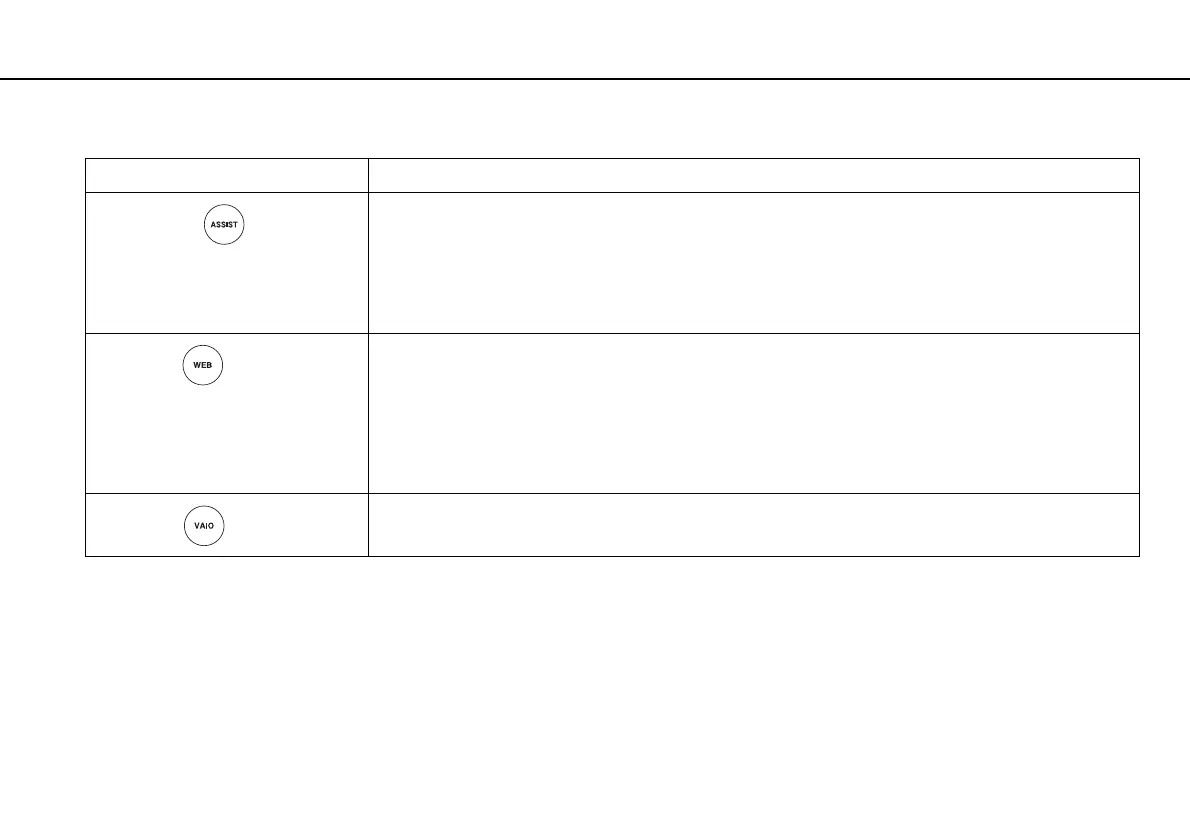
Special-function button Functions
ASSIST button
Launches the VAIO Care while the computer is on.
While the computer is off, the ASSIST button launches the VAIO Care Rescue. The VAIO Care Rescue can
be used to recover the computer in case of emergency, for example, when the Windows does not start. See
Using the VAIO Care (page 33) for more information.
!
Do not press the ASSIST button while the computer is in Hibernate mode.
WEB button
While the computer is in Normal mode, the WEB button launches the web browser assigned to the button by
default.
While the computer is off, the WEB button activates the Quick Web Access function and launches the web
browser used with this function. See Using the Quick Web Access Function (page 41) for more
information.
!
The WEB button is not functional while the computer is in Sleep mode or Hibernate mode.
VAIO button
Executes the task that is assigned to the button by default.
You can change the default assignment with the VAIO Control Center.



 To Next Page