103
nN
Using Peripheral Devices >
Connecting a Port Replicator
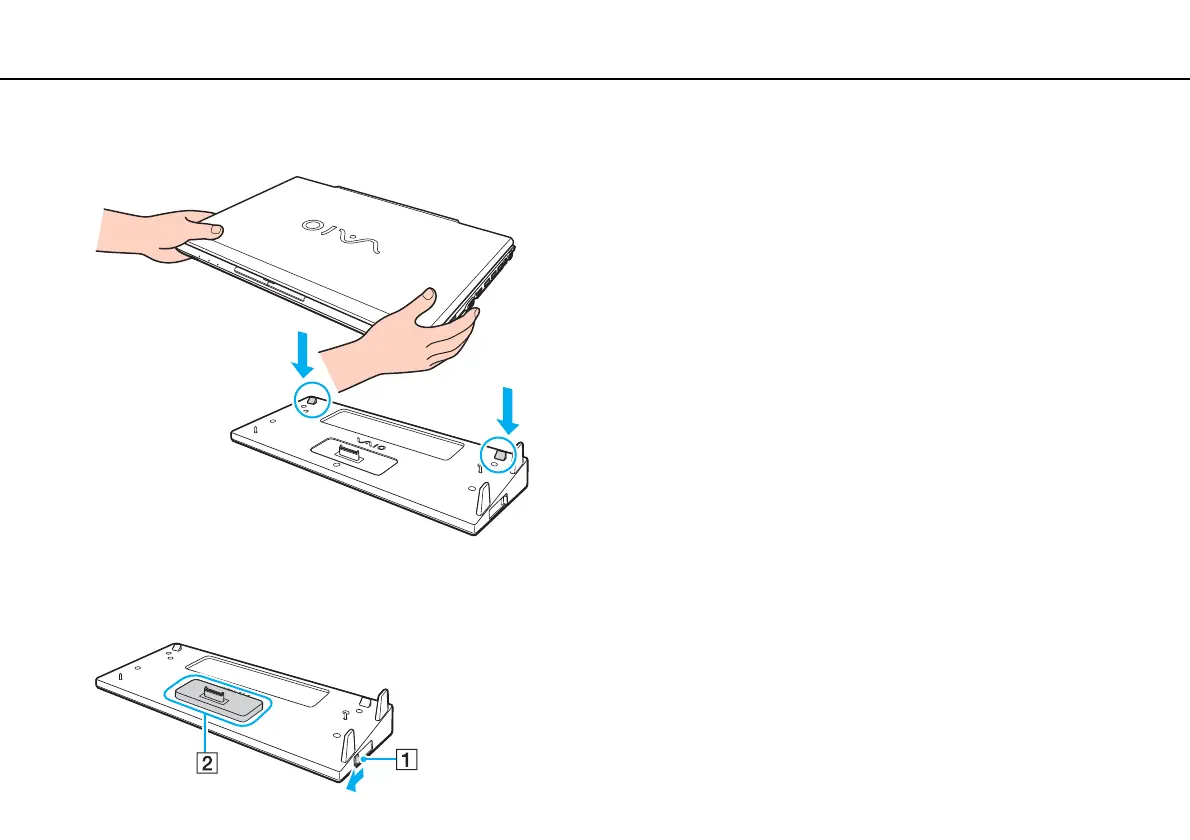
5 Align the rear bottom corners of the computer with the guides on the port replicator.
✍
If an optional extended battery pack is attached to your computer, slide the tab (1) in the direction of the arrow to lift the connector (2) on the port
replicator to attach the computer.










 To Next Page