117
nN
Using Peripheral Devices >
Using the Multiple Monitors Function
Using the Multiple Monitors Function
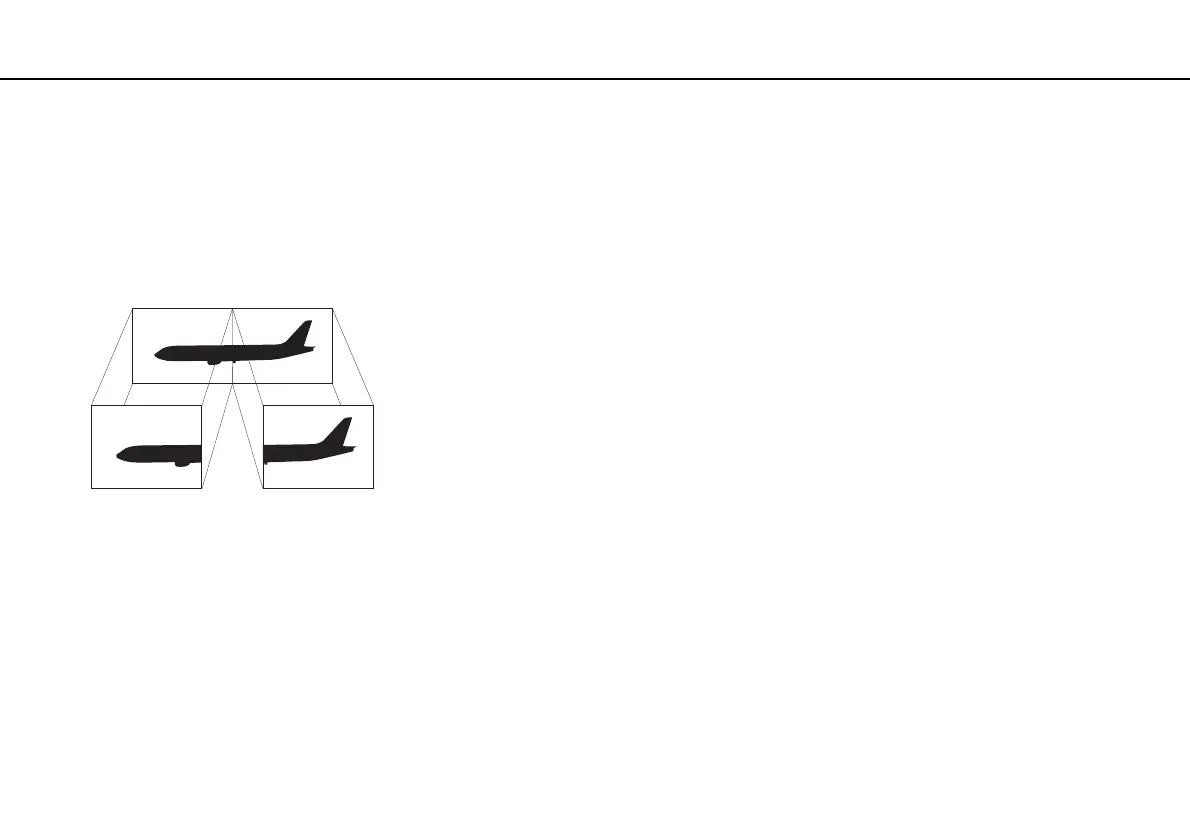
The Multiple Monitors function allows you to distribute portions of your desktop across separate displays. For example, if you
have an external display connected to your computer, your computer screen and the external display can function as a single
desktop.
You can move the cursor from one display to the other. This allows you to drag objects, such as an open application window
or a toolbar, from one display to the other.










 To Next Page