139
nN
Upgrading Your VAIO Computer >
Adding and Removing Memory
Removing and Installing a Memory Module
To change or add a memory module
1 Shut down the computer and disconnect all peripheral devices.
2 Wait about an hour until the computer cools down.
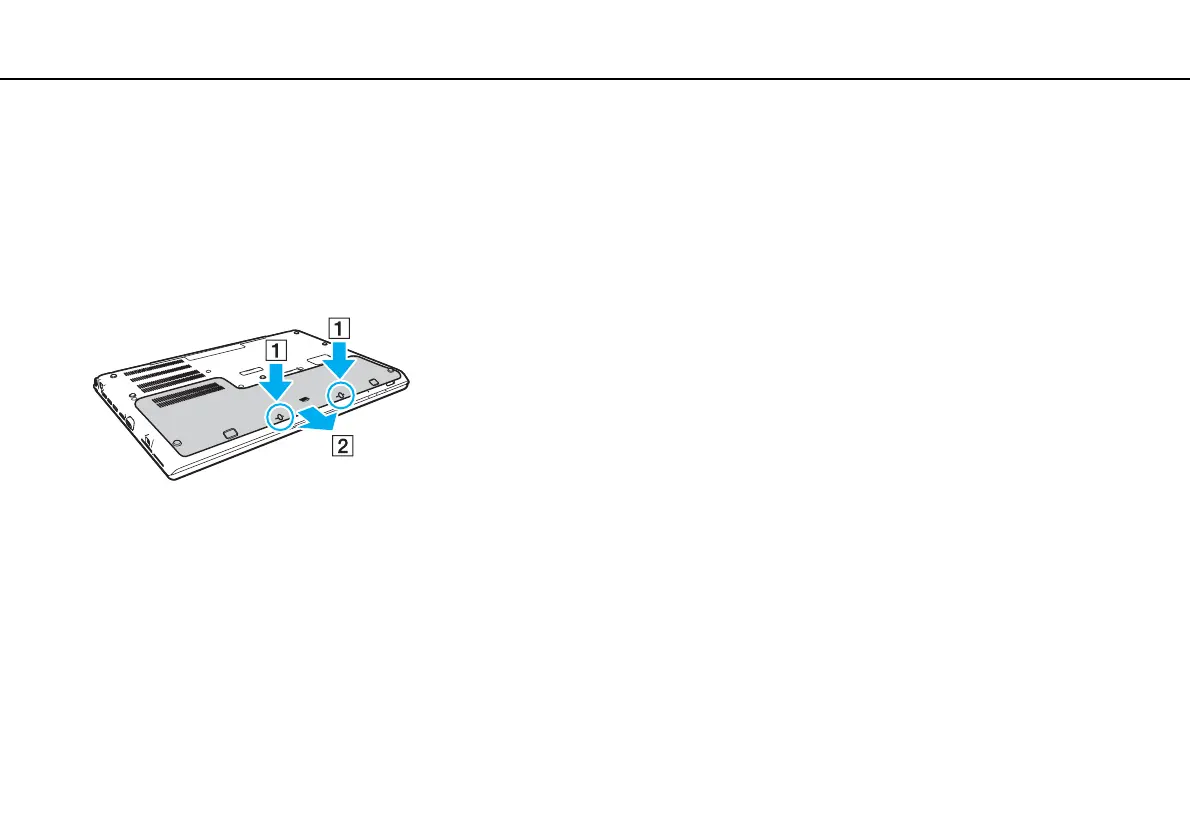
3 Unscrew the two screws (1), slide the bottom cover in the direction of the arrow (2), and remove the cover.
!
Be careful not to lose the removed screws.
4 Touch a metal object to discharge static electricity.
5 Remove the battery pack (page 24).










 To Next Page