105
nN
Using Peripheral Devices >
Connecting a Port Replicator
Disconnecting Your Computer from the Port Replicator
!
To prevent loss of unsaved data, be sure to turn off your computer before disconnecting it from the port replicator.
When the battery pack is running out of power, disconnecting your computer from the port replicator may result in loss of unsaved data.
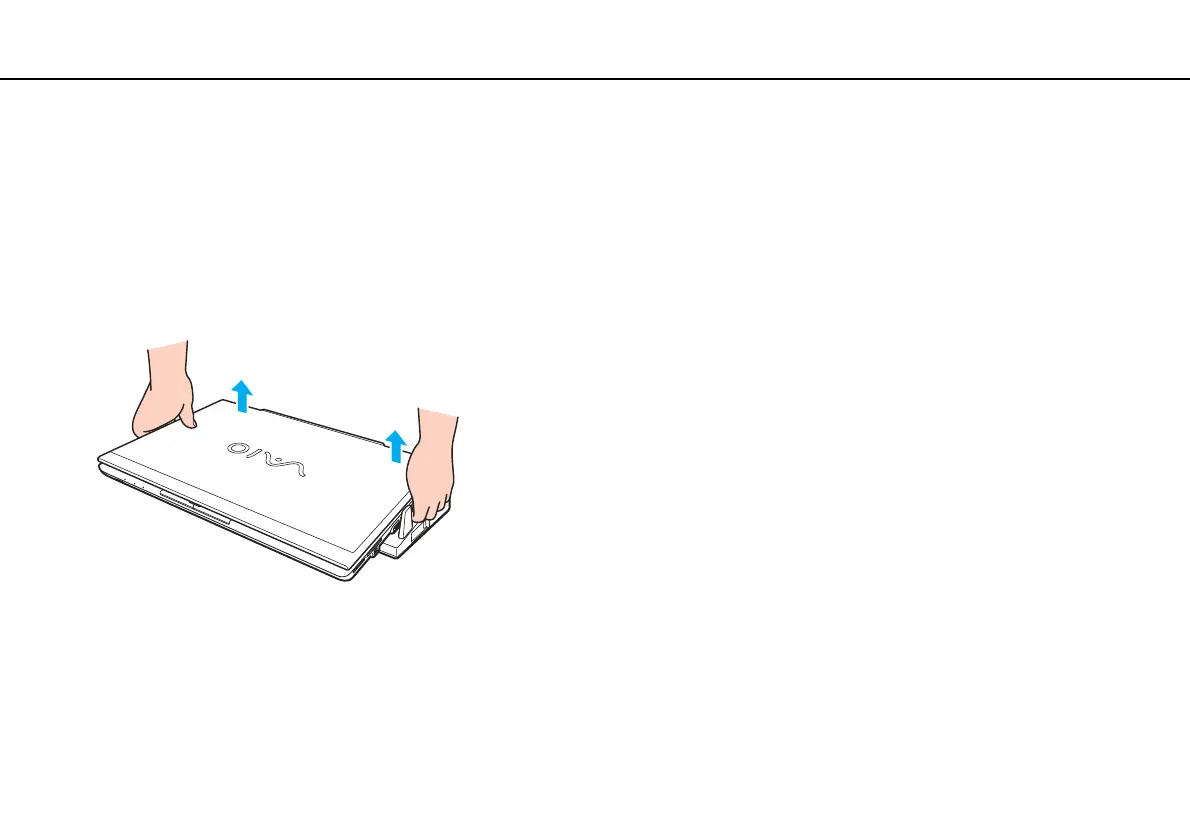
To disconnect your computer from the port replicator
1 Lift the computer away from the port replicator.










 To Next Page