107
nN
Using Peripheral Devices >
Connecting External Speakers or Headphones
Connecting External Speakers or Headphones
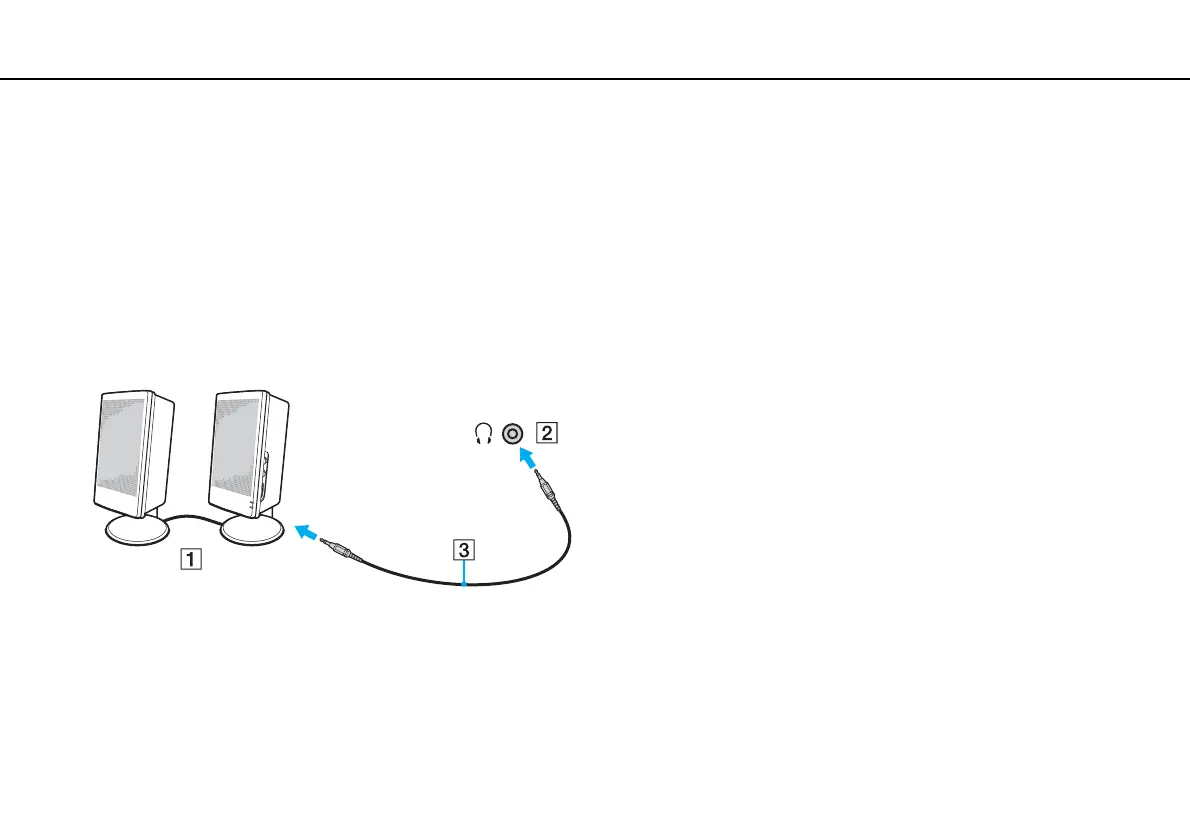
You can connect external sound output devices (not supplied), such as speakers or headphones, to your computer.
To connect external speakers
✍
Make sure your speakers are designed for computer use.
!
Turn down the volume of the speakers before you turn them on.
Connect external speakers (1) to the headphones jack (2) i with a speaker cable (3) (not supplied).










 To Next Page