106
nN
Using Peripheral Devices >
Connecting a Port Replicator
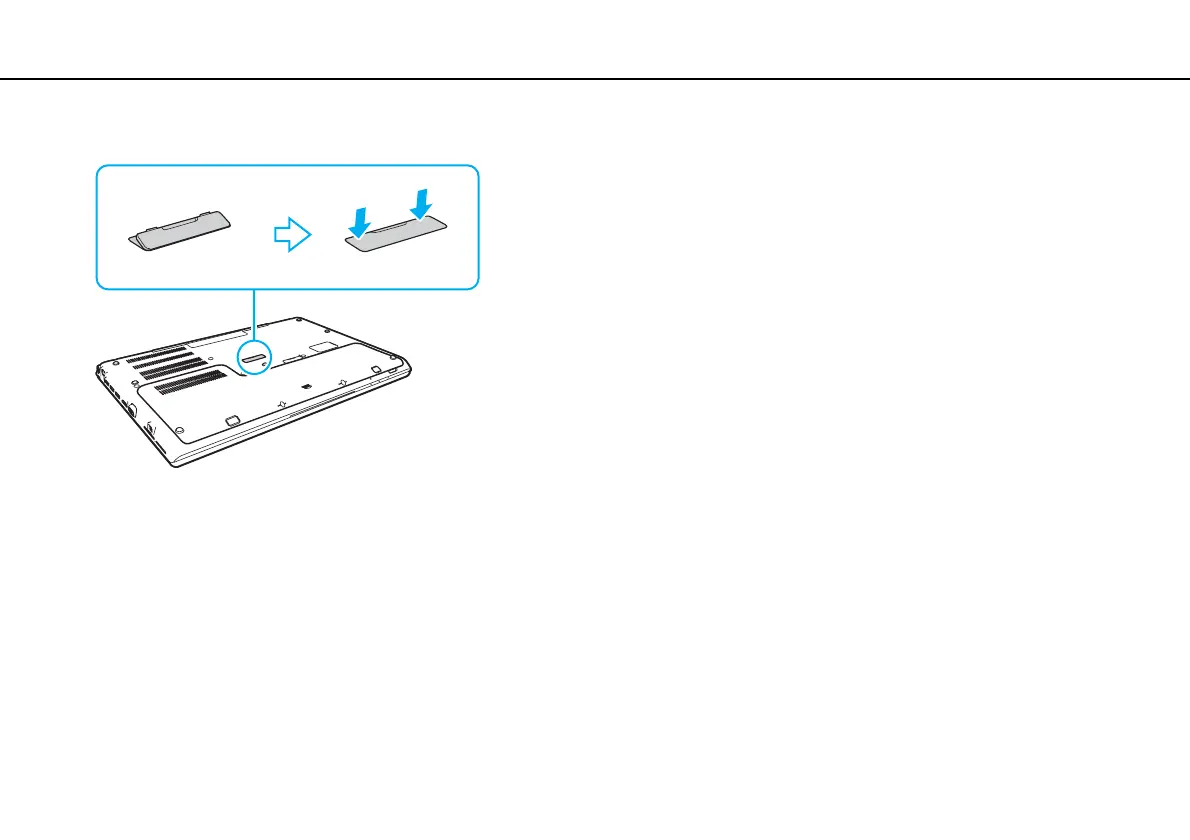
2 Replace the port replicator connector cover on the bottom of the computer.
✍
It is extremely important that you replace the port replicator connector cover after disconnecting your computer from the port replicator. If the connector
is left uncovered, dust may get inside and damage the computer.
To disconnect the port replicator completely from an AC power source, unplug the AC adapter.










 To Next Page