16
nN
Getting Started >
Locating Controls and Ports
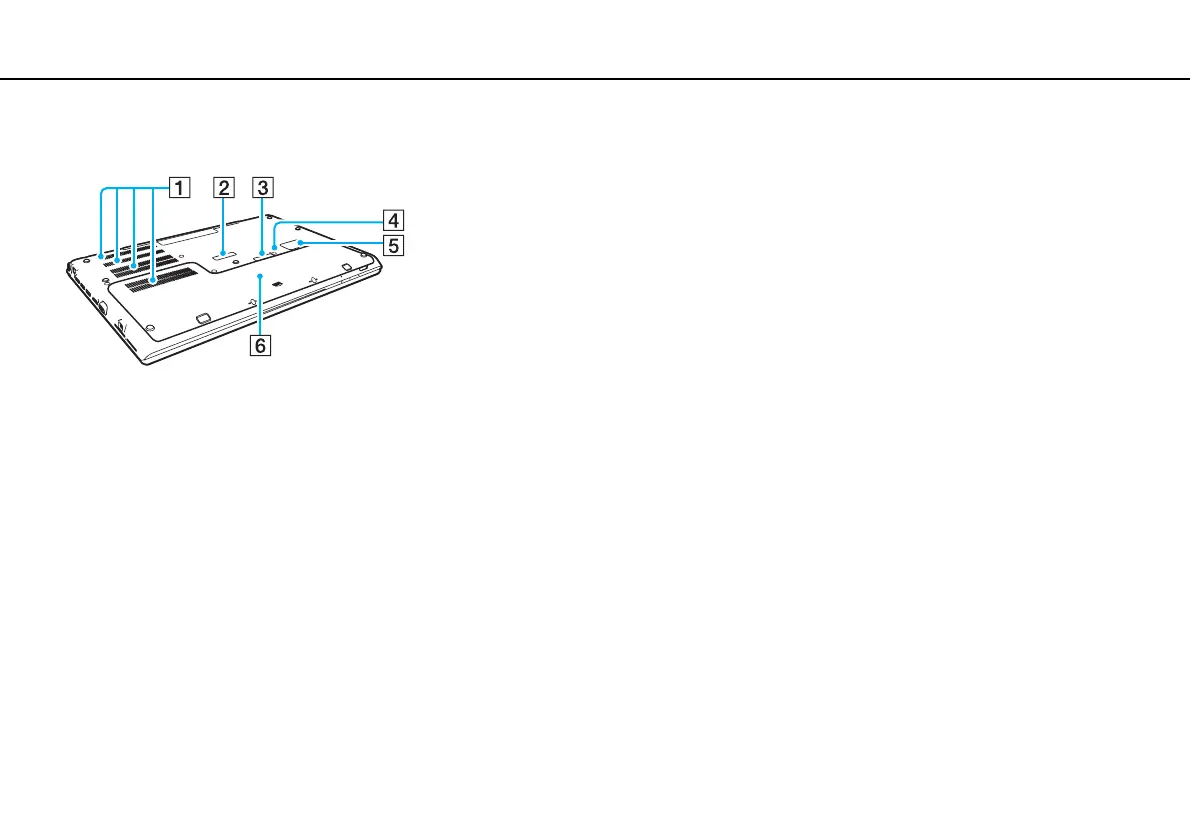
Bottom (with the bottom cover)
A Air vents
B Port replicator connector cover (page 101)
C Extended battery pack connector cover
*1
D Battery off button (page 26), (page 163), (page 172)
E SIM card cover
*2
(page 73)
F Bottom cover
*1
For detailed instructions on how to attach an extended battery pack, see the
manual that came with your extended battery pack.
While the extended battery pack is attached to your computer, be sure to
keep the removed connector cover for future use.
*2
On selected models only.










 To Next Page