48
nN
Using Your VAIO Computer >
Using the Optical Disc Drive
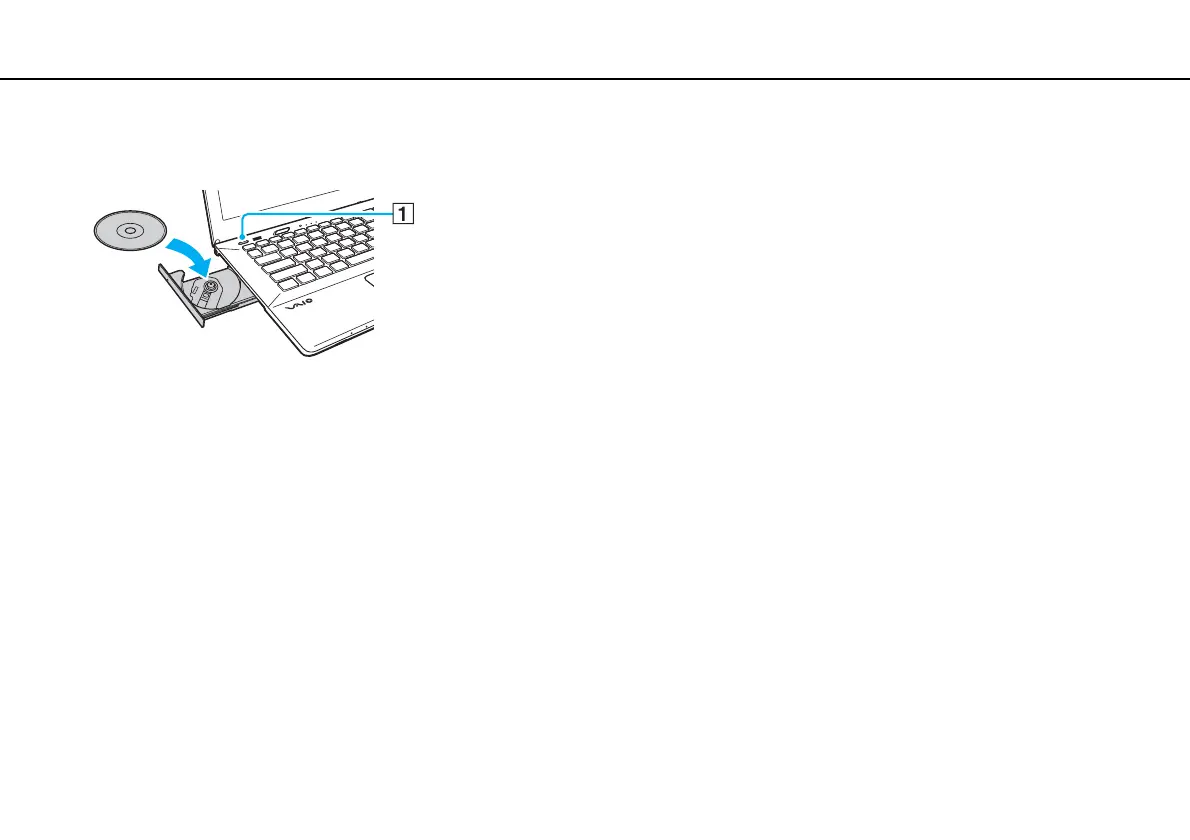
3 Place a disc in the middle of the drive tray with the label side facing upward and gently push it down until the disc clicks
into place.
!
Do not exert pressure on the drive tray. Be sure to hold the bottom of the drive tray when placing/removing a disc onto/from the tray.
4 Close the drive tray by pushing it in gently.
!
Do not remove the optical disc while your computer is in a power saving mode (Sleep or Hibernate). Be sure to bring the computer back into Normal
mode before removing the disc.










 To Next Page