76
nN
Using Your VAIO Computer >
Using the Wireless WAN
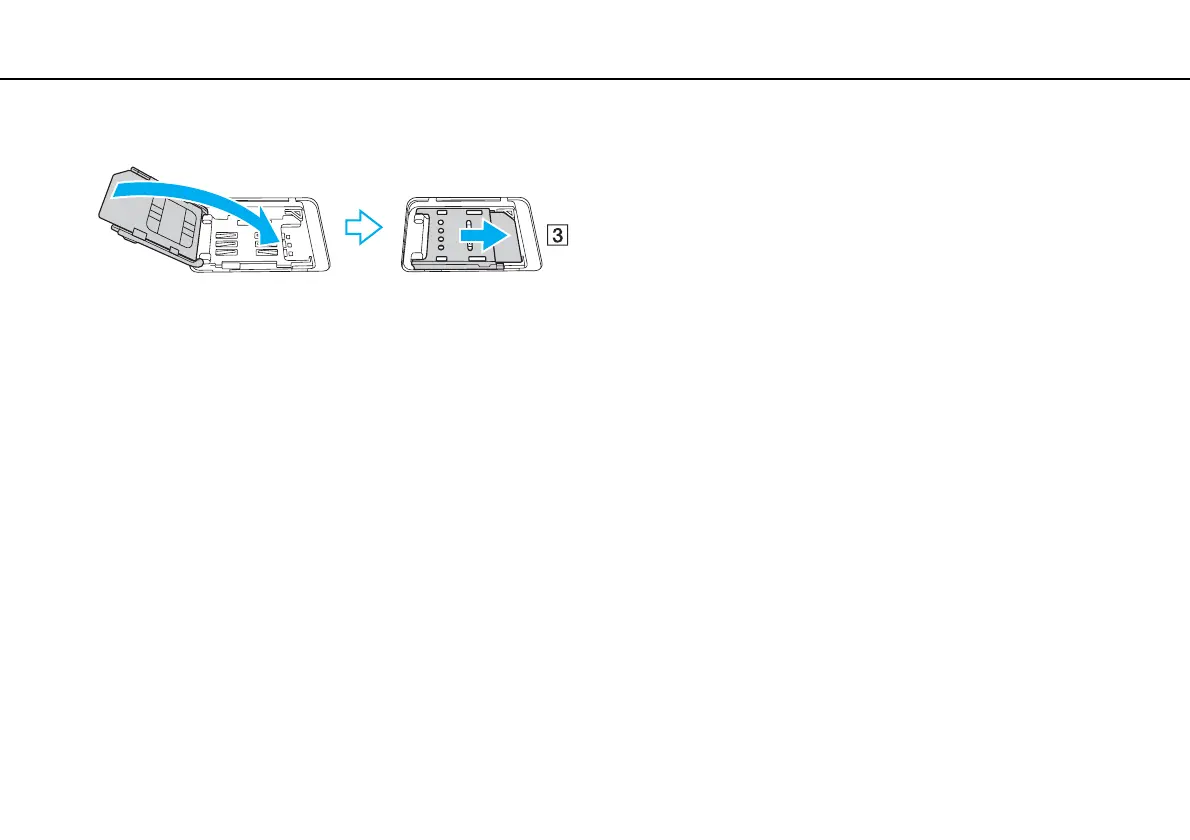
6 Close the SIM card holder and then slide the holder in the direction of the arrow (3).
!
Do not touch the printed circuit on the SIM card. Be sure to hold your computer firmly before inserting or removing the card.
Do not damage the SIM card in any way, either by bending or exerting pressure on the card.
7 Close the SIM card cover.










 To Next Page