86
nN
Using Your VAIO Computer >
Using Fingerprint Authentication
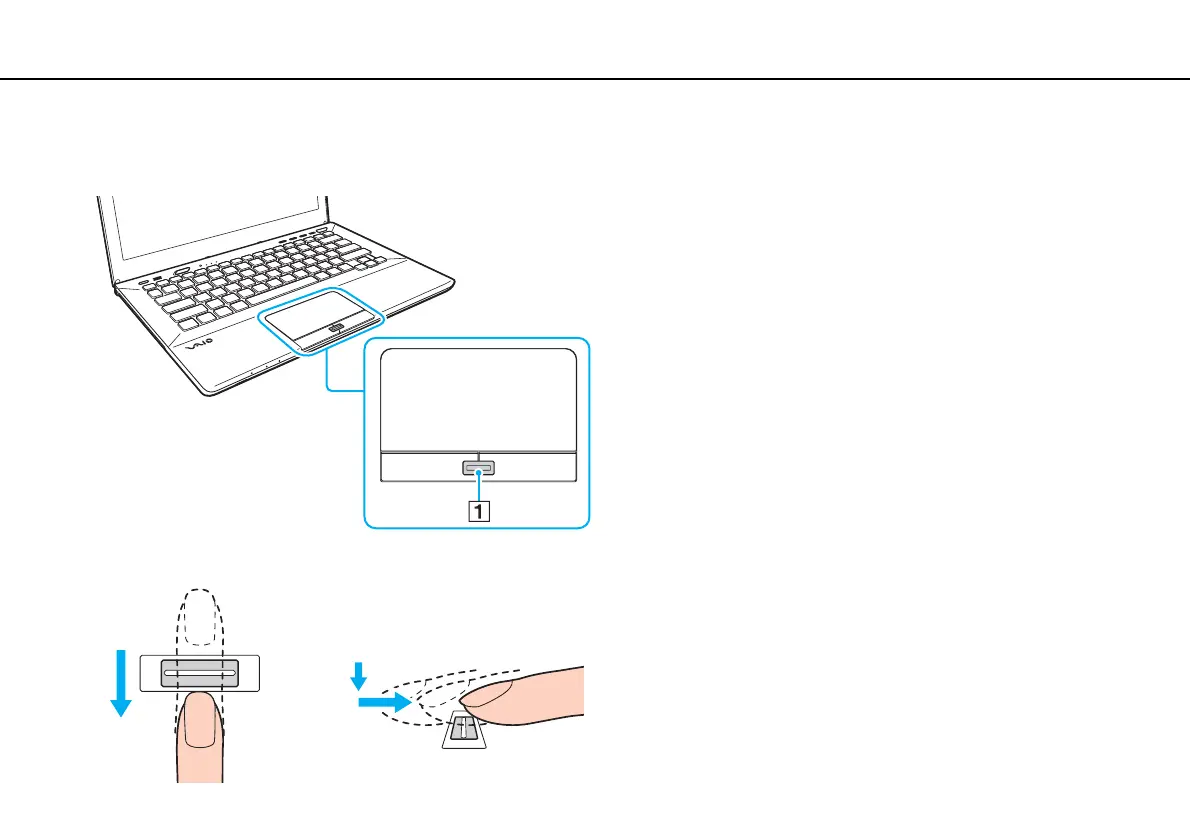
If you have failed to register a fingerprint, follow these steps to try again.
1 Place the top joint of your finger flat in the center of the fingerprint sensor (1).
2 Swipe your finger perpendicularly across the fingerprint sensor and scan from the top joint of the finger to the fingertip.










 To Next Page