22
Installing the Projector
B Projecting the Picture
Installing the Projector
There may be a slight difference between the actual value and the design value shown in the table
above.
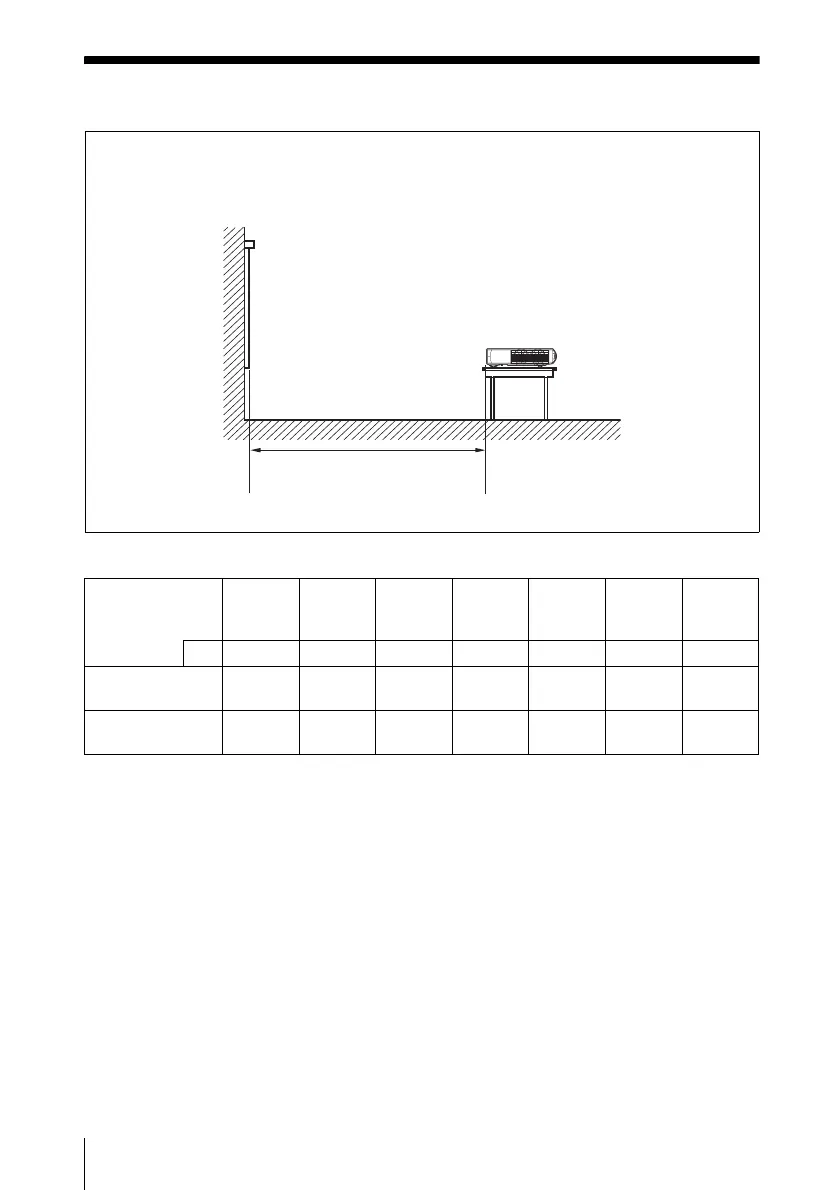
Distance between the foremost
side in cabinet and the screen
Screen
The distance between the foremost side in cabinet and the screen varies depending on the
size of the projected image. Use the following table as a guide.
Unit: m (feet)
Projected image
size (diagonal)
(inches)
30 40 60 80 100 120 150
mm 762 1016 1524 2032 2540 3048 3810
Minimum
Distance
0.86
(2.8)
1.2
(3.9)
1.8
(5.9)
2.4
(7.9)
3.0
(9.8)
3.6
(11.8)
4.5
(14.8)
Maximum
Distance
0.99
(3.2)
1.3
(4.3)
2.0
(6.6)
2.7
(8.9)
3.4
(11.2)
4.1
(13.5)
5.1
(16.7)



 To Next Page