40
The Setup Menu
The Setup Menu
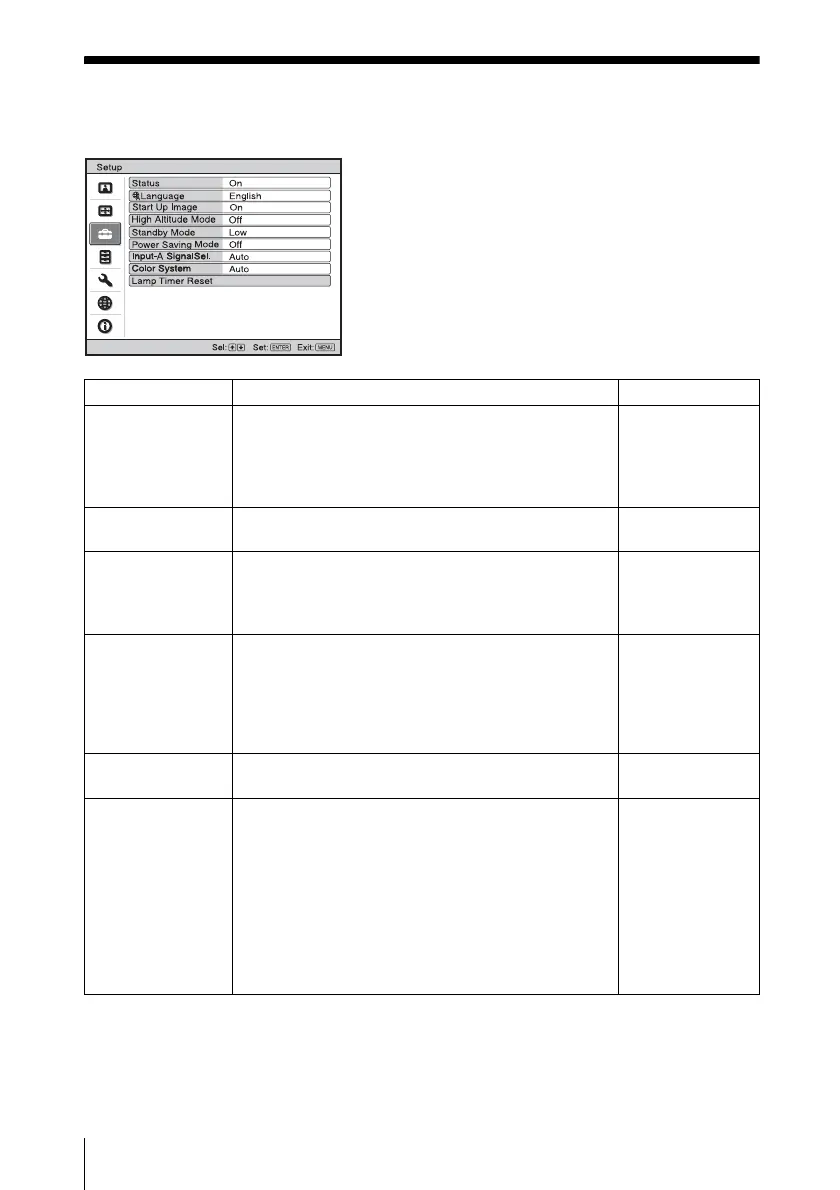
The Setup menu is used for changing the settings of the projector.
Setting items Functions Initial setting
Status • On: Sets whether or not the on-screen display is
displayed.
• Off: Turns off the on-screen displays except for the
menus, message when turning off the power, and
warning messages.
On
Language Selects the language used in the menu and on-screen
displays.
English
Start Up Image • On: Displays the Start Up Image on the screen after
turning on the power.
• Off: Does not displays the Start Up Image on the
screen after turning on the power.
On
High Altitude
Mode
Use this item when using the projector at high
altitudes.
• On: Use this setting when using the projector at an
altitude of 1,500 m or higher.
• Off: Use this setting when using the projector at
normal altitudes.
Off
Standby Mode • Standard: Power consumption is normal.
• Low: Lowers power consumption in standby mode.
Low
Power Saving
Mode
Selects the power saving mode.
• Lamp Cutoff: The lamp goes off and the
?/1 key
lights in orange if no signal is input for 10 minutes.
The lamp lights again when a signal is input or any
key is pressed.
• Standby: The projector goes into standby mode and
the
?/1 key lights in red if no signal is input for 10
minutes. To use it, turn on the power again.
• Off: The projector does not go into power saving
mode.
Off



 To Next Page