38
The Screen Menu
The Screen Menu
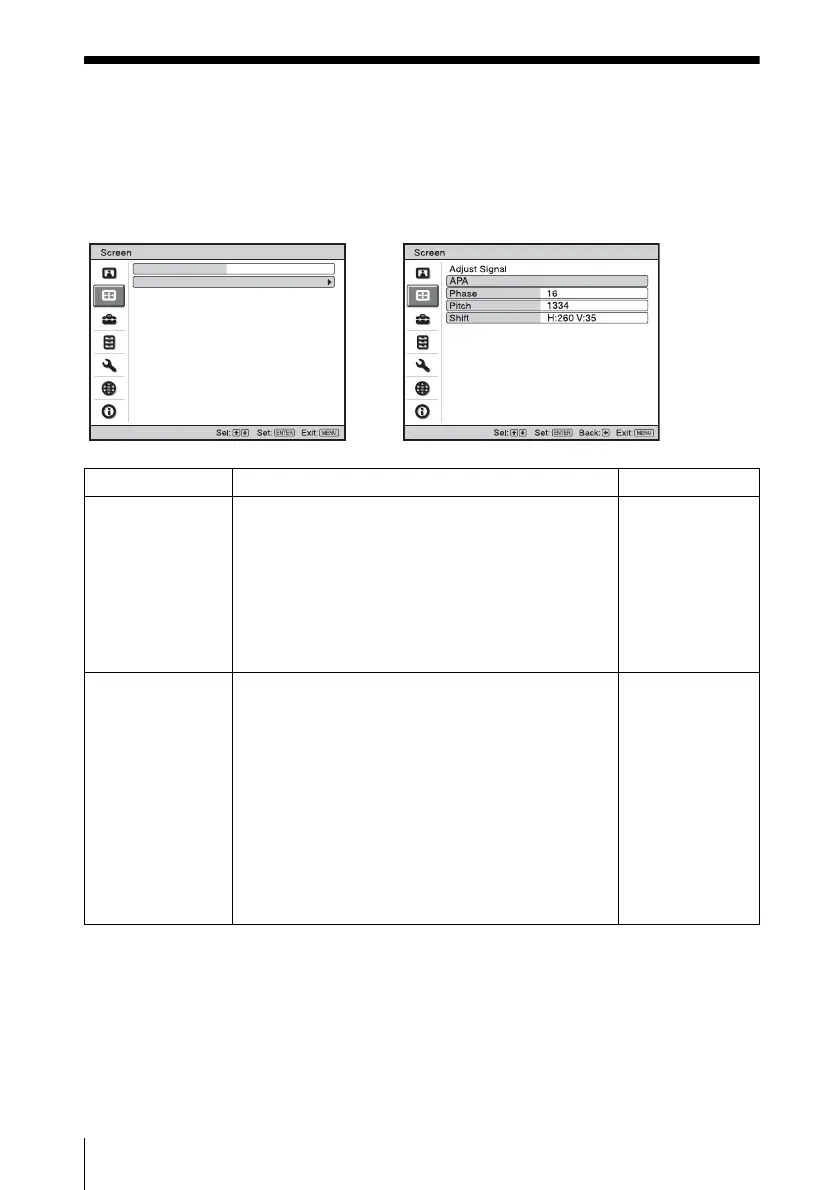
The Screen menu is used to adjust the input signal. You can also adjust the aspect ratio of the
picture.
Items that can be adjusted or set depend on the kind of input signals.
For details, see “Input signals and adjustable/setting items” on page 47.
Aspect Full 1
Adjust Signal
,
Setting items Functions Initial setting
Aspect (When the
video signal is
input)
You can set the aspect ratio of the picture to be
displayed for the current input signal. This item is
enabled only when an video signal (preset memory
numbers 1 to 11) is input.
• Zoom: Select this when black bands are displayed in
both sides by the squeeze signal.
• 4:3: Select to view a picture with normal 4:3 aspect
ratio.
• 16:9: Select to view a picture squeezed.
Set according to
the input signal
Aspect (When the
PC signal is input)
You can set the aspect ratio of the picture to be
displayed for the current input signal. This item is
enabled only when an PC signal (preset memory
numbers 21 to 63) is input.
• Full1: Displays a picture vertically or horizontally to
fill the screen without changing the aspect ratio of the
original picture.
• Normal: Displays the picture while matching one
pixel of input picture element to that of the LCD. The
picture will be clear but the picture size will be
smaller.
• 4:3: Makes the aspect ratio 4:3.
• 16:9: Makes the aspect ratio 16:9.
Set according to
the input signal



 To Next Page