21
Basic Operations
Shooting images easily (Auto adjustment mode)
Flash (Selecting a flash mode for still images)
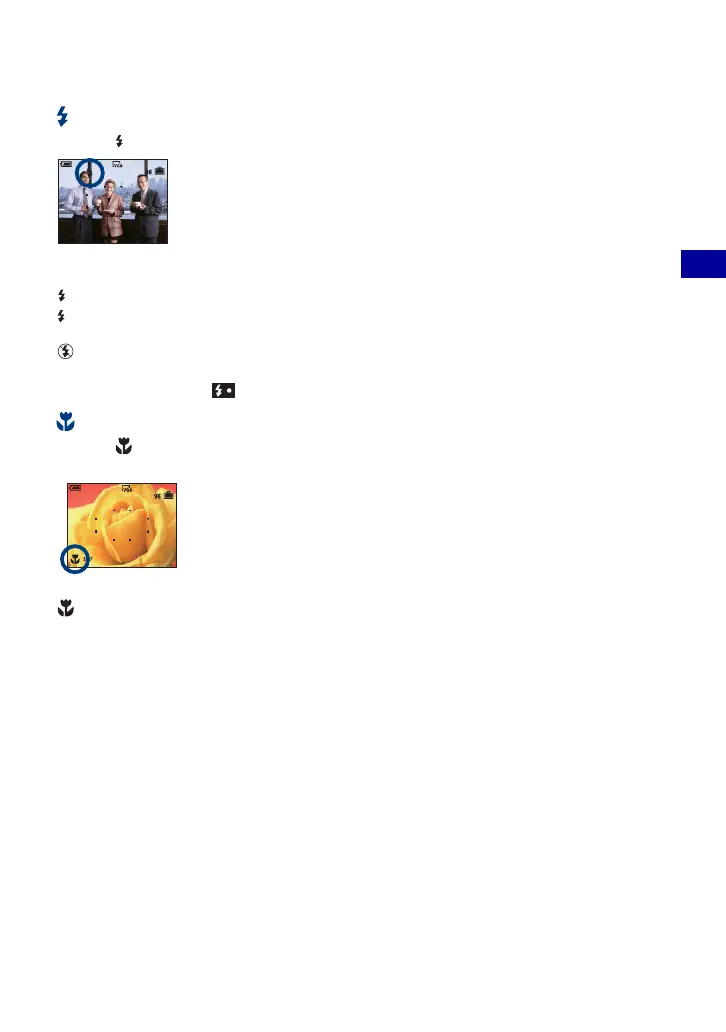
Press v ( ) on the control button repeatedly until the desired mode is selected.
(No indicator): Flash Auto
Strobes when there is insufficient light or backlight (default setting)
: Flash forced on
: Slow synchro (Flash forced on)
The shutter speed is slow in a dark place to clearly shoot the background that is out of flash light.
: Flash forced off
• The flash strobes twice. The first time is to adjust the light quantity.
• While charging the flash, is displayed.
Macro (Shooting close-up)
Press B ( ) on the control button.
To cancel, press
B again.
(No indicator): Macro Off
: Macro On (W side: Approx. 2 cm or farther (13/16 inches or farther), T side: Approx. 30 cm or farther
(11 7/8 inches or farther))
Macro
• Setting the zoom all the way to the W side is recommended.
• The in-focus range becomes narrow, and the complete subject may not entirely be in focus.
• The Auto Focus speed drops.
SL









 To Next Page