22
Shooting images easily (Auto adjustment mode)
Using the self-timer
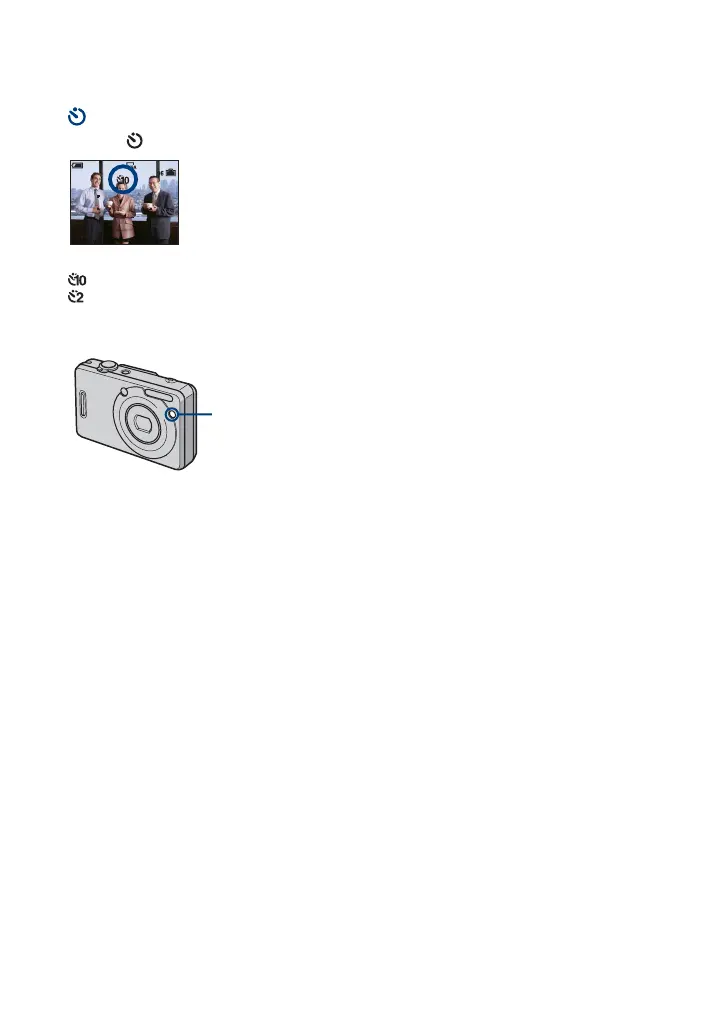
Press V ( ) on the control button repeatedly until the desired mode is selected.
(No indicator): Not using the self-timer
: Setting the 10-second delay self-timer
: Setting the 2-second delay self-timer
Press the shutter button, the self-timer lamp flashes, and a beep sounds until the shutter
operates.
To cancel, press
V again.
• Use the 2-second delay self-timer to prevent blur of an image made by the shaking of the camera when
pressing the shutter button.
Self-timer lamp









 To Next Page