44
Viewing menu For details on the operation 1 page 30
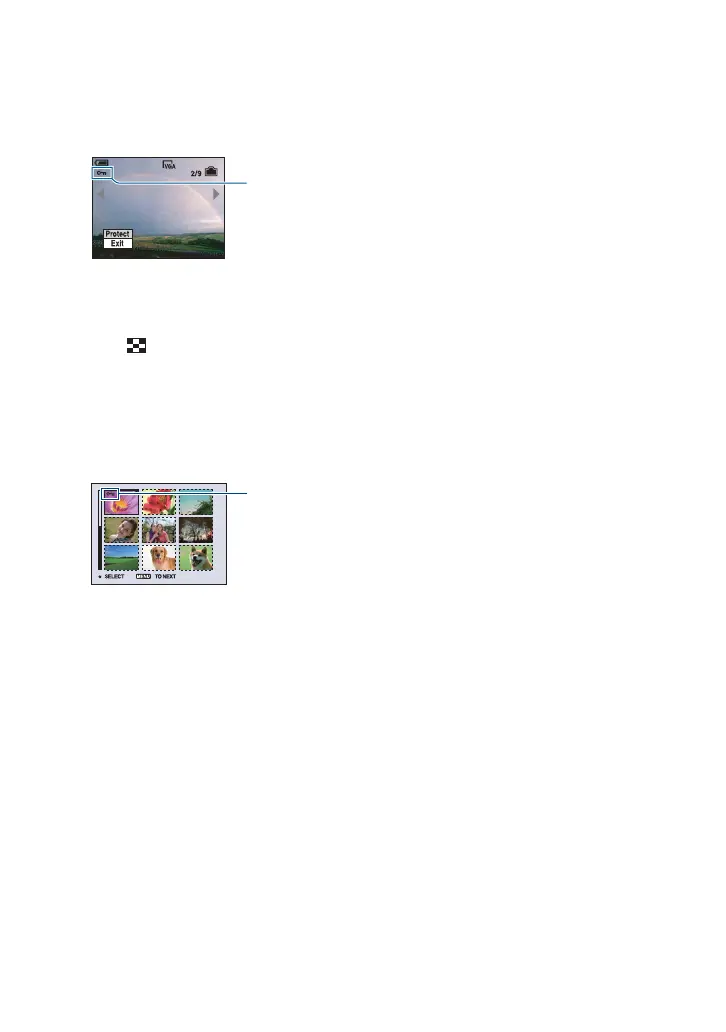
3 Select [-] (Protect) with b/B on the control button, then press z.
The image is protected and the - (protect) indicator appears on the image.
4 To protect other images, select the desired image with b/B, then press z.
To protect images in index mode
1 Slide (Index) lever to display the index screen.
2 Press MENU to display the menu.
3 Select [-] (Protect) with b/B on the control button, then press z.
4 Select [Select] with v/V, then press z.
5 Select the image you want to protect with v/V/b/B, then press z.
A green - indicator appears on the selected image.
6 Repeat step 5 to protect other images.
7 Press MENU.
8 Select [OK] with B, then press z.
The - indicator turns white. The selected images are protected.
• To protect all images in the folder, select [All In This Folder] in step 4, and press z. Select [On] with B,
then press z.
To cancel the protection
In single-image mode
Press z in step 3 or 4 of “To protect images in single-image mode.”
In index mode
1 Select the image for which you want to remove protection in step
5 of “To protect images in
index mode.”
2 Press z to turn the - indicator gray.
3 Repeat the operation above for all images to be unprotected.
4 Press MENU, select [OK] with B, and then press z.
-
- (green)










 To Next Page