ModelName: Canary_E
PartNumber: 4-154-408-11
63
63
Viewing Photos
Changing the Photo Settings
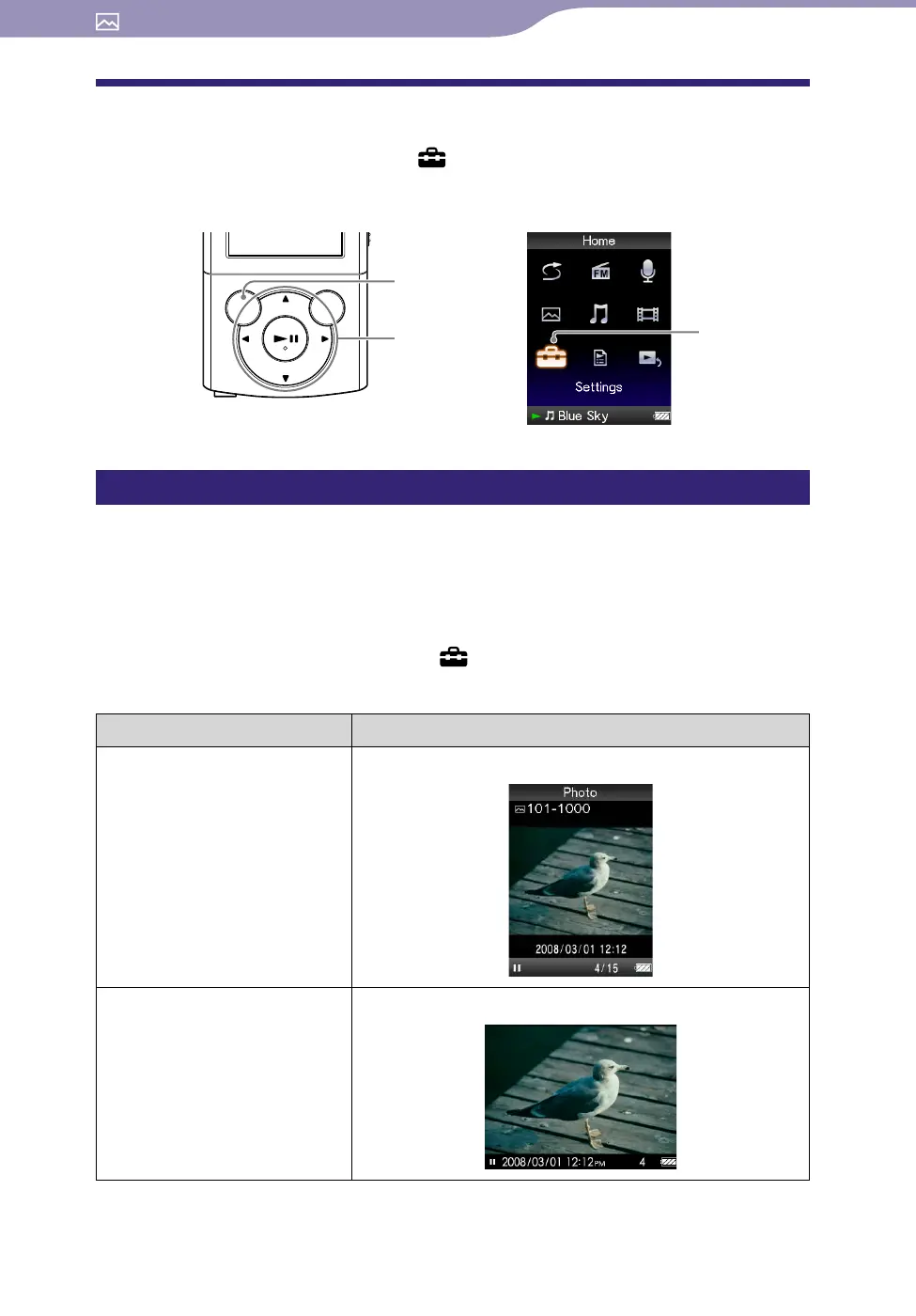
To change the photo settings, select [Settings] from the [Home] menu, then
select [Photo Settings].
Photo orientation [Photo Orientation]
You can set the photo orientation to [Vertical], [Horizontal (right)], or
[Horizontal (left)].
The operation of the 5-way button is switched according to the setting of
[Photo Orientation].
From the [Home] menu, select [Settings]
[Photo Settings]
[Photo Orientation]
desired photo orientation type.
Type Description
[Vertical] Displays at 240 × 180 pixels. (Default setting)
[Horizontal (right)]
[Horizontal (left)]
Displays at 320 × 240 pixels.
BACK/HOME
button
5-way button
[Settings]









 To Next Page