ModelName: Canary_E
PartNumber: 4-154-408-11
72
72
Listening and Recording FM Radio
Playing Back Recorded FM Radio Programs
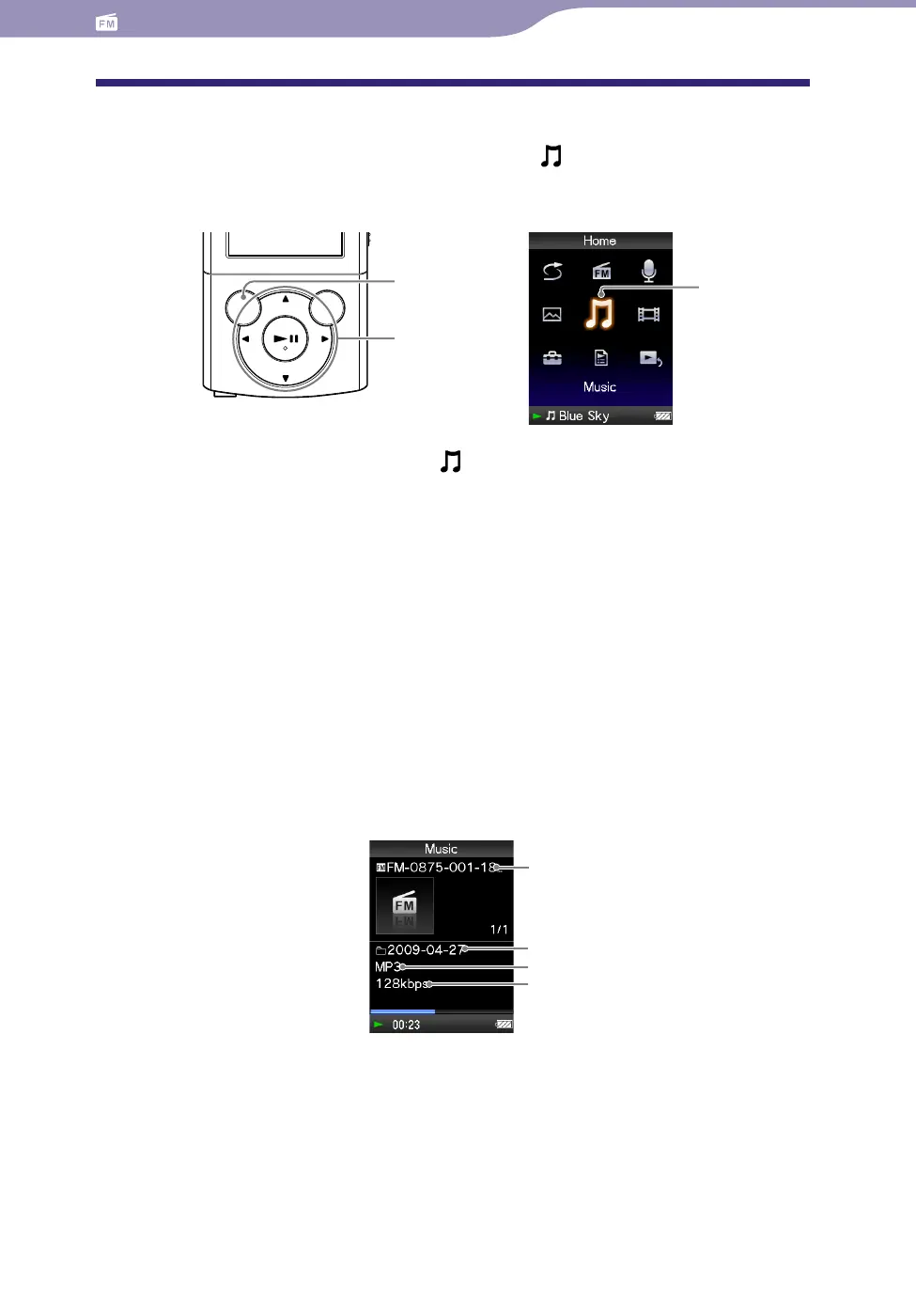
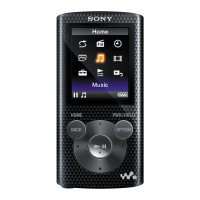
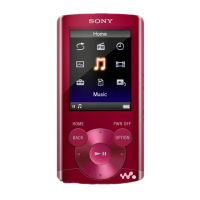
To play back recorded FM radio programs, select [Music] to display the
[Music] screen. You can display the folder list in the [FM] folder.
From the [Home] menu, select [Music]
[FM Recording]
desired folder
desired recorded FM radio program.
The music playback screen appears and playback of the recorded FM radio
program begins.
F
or details on how to operate the music playback screen, see “Music
playback screen” (
p
. 36).
Hint
You can also play back recorded FM radio programs from the option menu appearing on
the FM Radio or FM Recording screen. On the FM Radio or FM Recording screen, press
the OPTION/PWR OFF button, then select [Play Recorded Data] desired folder
desired recorded FM radio program.
Music playback screen of recorded FM programs
BACK/HOME
button
5-way button
[Music]
Folder name
File name
Codec
Bit rate




 To Next Page