ModelName: Canary_E
PartNumber: 4-154-408-11
7
7
Basic Operations and Screens
Turning the Player On and Off
To turn on the player
Press any button to turn the player on.
Hint
If [On hold... Cancel HOLD function to activate controls.] appears on the screen, slide
the HOLD switch on the right of the player in the opposite direction of the arrow
to release the HOLD function.
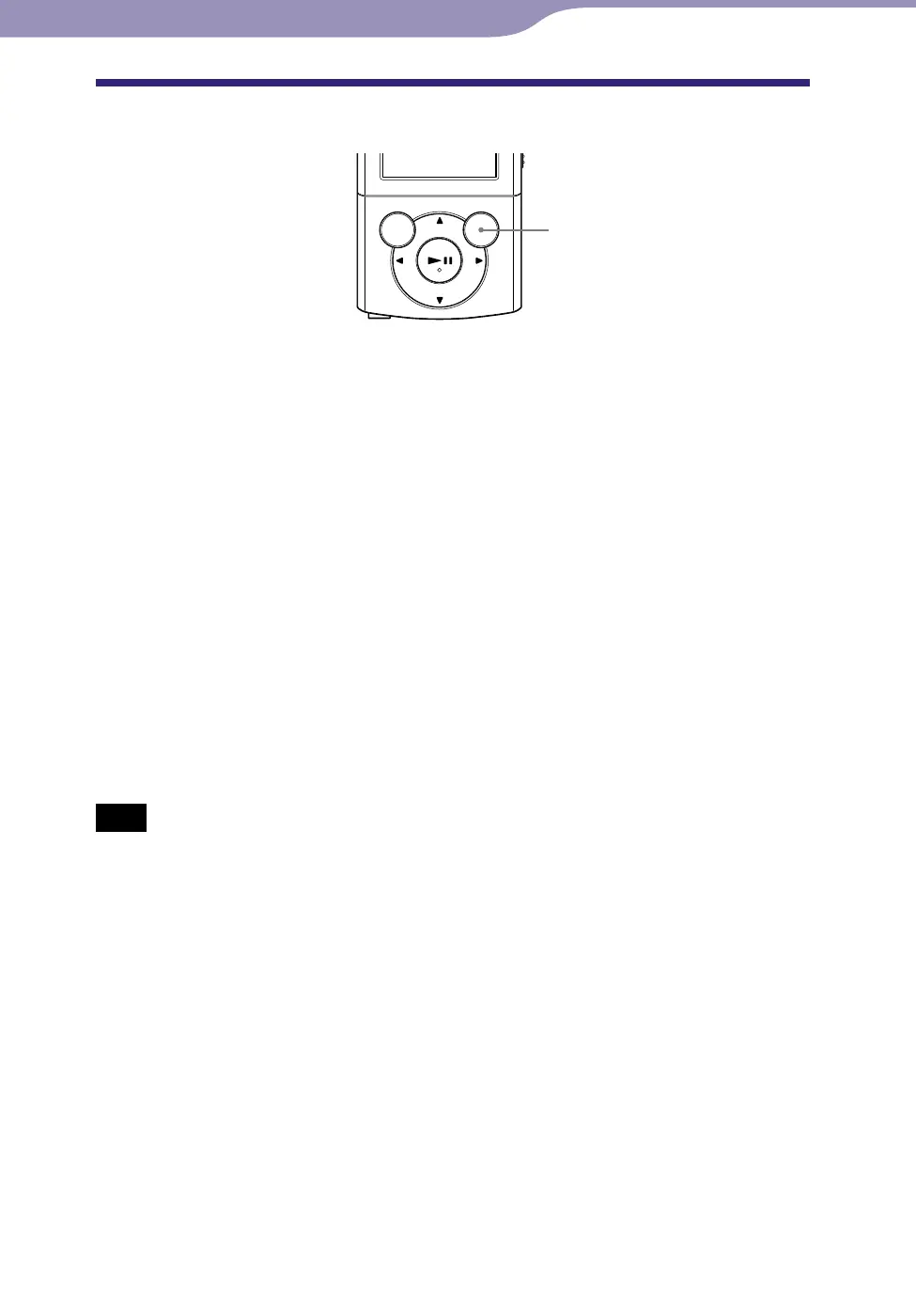
To turn off the player
Press and hold the OPTION/PWR OFF button. [POWER OFF] appears, then
the player enters standby mode, and the screen turns off.
Hint
Set the date and time on the player before using it (
p
. 20, 90).
D
uring pause, if there is no operation for more than 3 minutes, the player automatically
enters standby mode to save battery power, and the screen turns off.
W
hile the player is in standby mode, if there is no operation for about 4 hours, the player
completely turns off automatically. The batteries are consumed a little in this status.
Note
You cannot operate the player when it is connected to a computer. Disconnect the USB
cable before operating the player.
Th
e player consumes battery power very slightly even when it is in standby mode.
Therefore, the player might turn completely off unexpectedly depending on the power
remaining in the battery.
OPTION/PWR OFF
button









 To Next Page