ModelName: Canary_E
PartNumber: 4-154-408-11
83
83
Recording/Listening Voice
Changing the Recording Settings
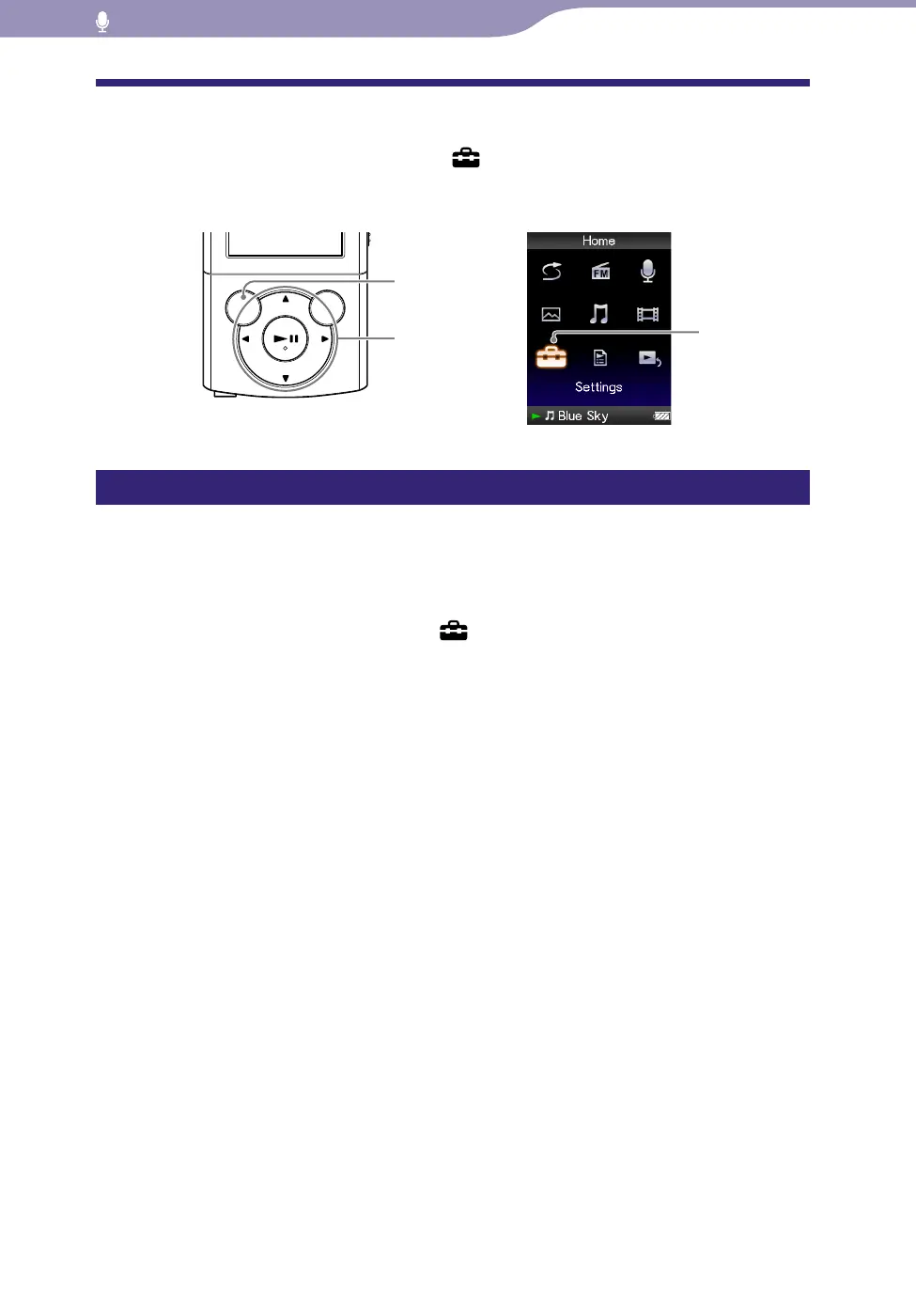
To change the recording settings, select [Settings] from the [Home] menu,
then select [Recording Settings].
Selecting a level of recording quality [Bit Rate Settings]
You can select a level of recording quality from [MP3 160kbps], [MP3 128kbps]
or [MP3 96kbps]. The higher the level is, the more memory the player uses for
recording sound. [MP3 128kbps] is set by default.
From the [Home] menu, select [Settings]
[Recording Settings]
[Bit Rate Settings]
[MP3 160kbps], [MP3 128kbps] (default
setting) or [MP3 96kbps].
BACK/HOME
button
5-way button
[Settings ]









 To Next Page