Help Guide
Wireless Stereo Headset
WF-C500
Resetting the headset
If the headset cannot be turned on or cannot be operated even when it is turned on, reset the headset. Reset one of the
headset units at a time.
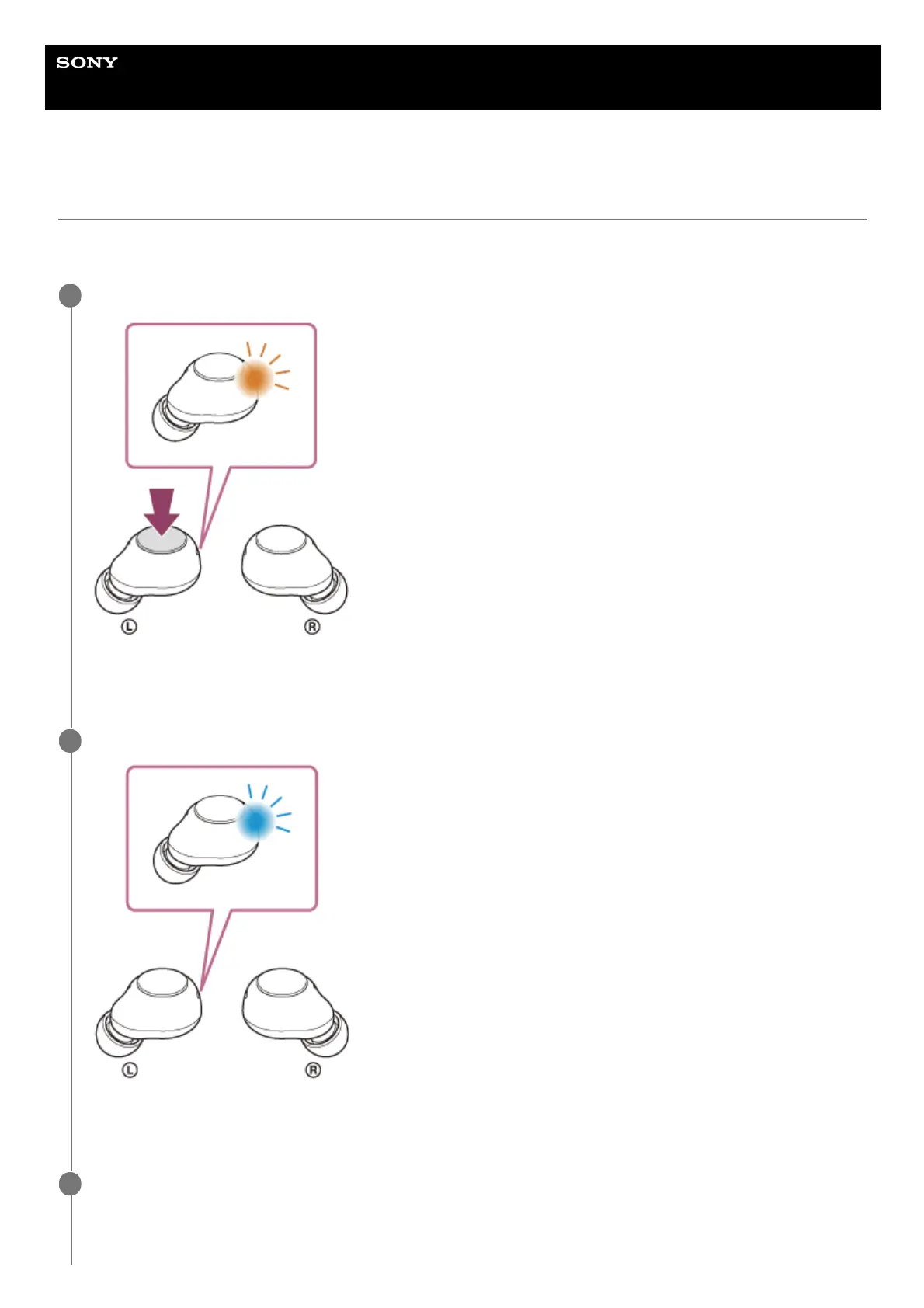
Press and hold the button on the left unit for about 20 seconds.
In about 15 seconds after you start pressing the button, the indicator (orange) on the left unit flashes slowly for
about 5 seconds. Keep pressing and holding the button.
1
Check that the indicator turns off and then release your finger.
The left unit of the headset will be reset and restarted.
Check that the indicator (blue) on the left unit of the headset flashes twice.
2
Press and hold the button on the right unit for about 20 seconds.
3



 To Next Page