Bluetooth connection status
The indicators on the headset
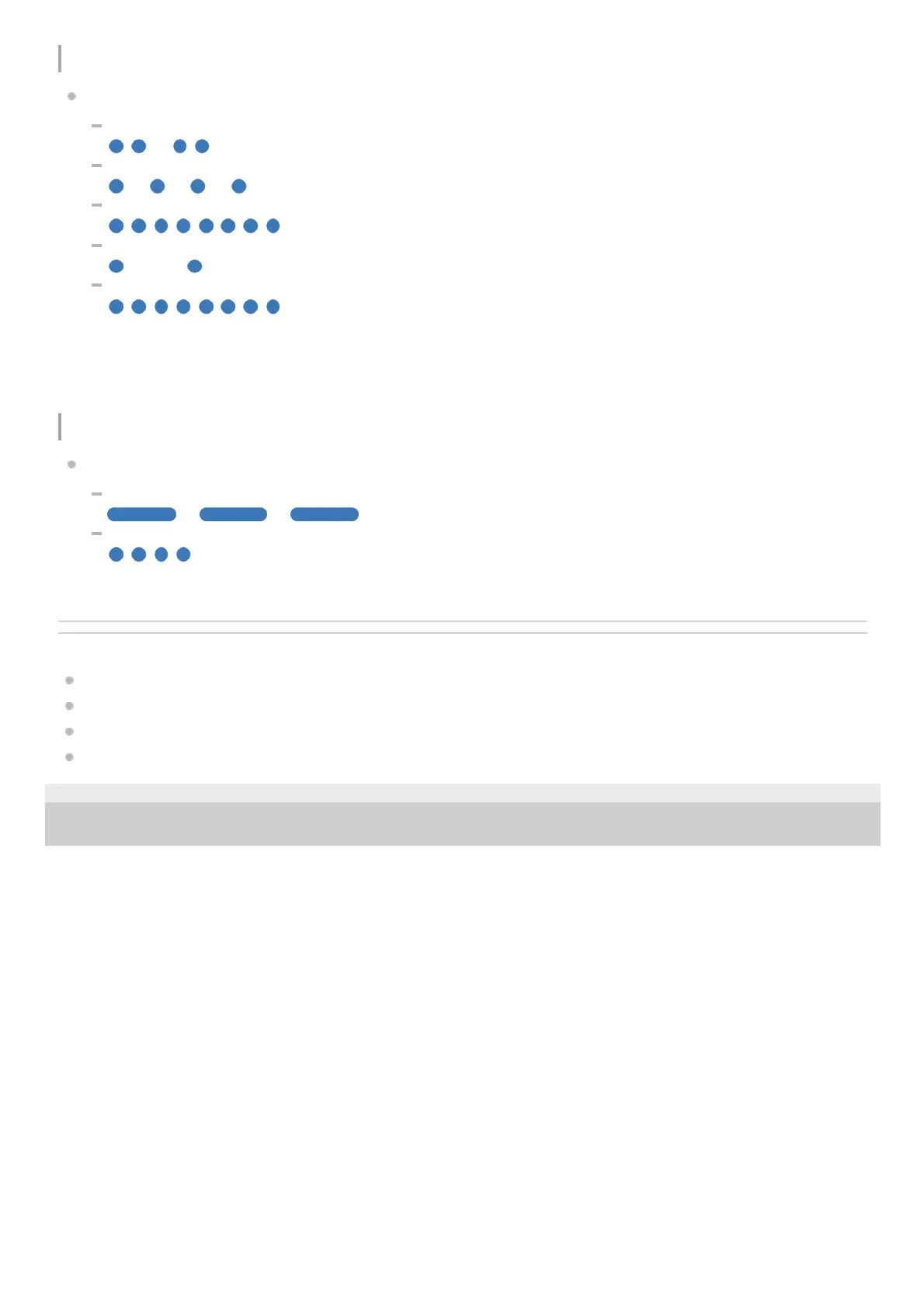
Pairing mode
- - - - (repeatedly flashes twice in blue)
Not connected
- - - - - - - - (repeatedly flashes in blue at about 1-second intervals)
Connection process completed
(repeatedly flashes quickly in blue for about 5 seconds)
Connected
- - - - - - - - - - - - (repeatedly flashes in blue at about 5-second intervals)
Incoming call
(repeatedly flashes quickly in blue)
The unconnected and connected status indications automatically turn off after a period of time has passed. They start
flashing again for a period of time when some operation is performed. When the remaining battery charge becomes low,
the indicator starts flashing in orange.
Other
The indicators on the headset
Updating software
- - - - - - (repeatedly flashes slowly in blue)
Initialization completed
(flashes 4 times in blue)
For details, see “Initializing the headset to restore factory settings”.
Related Topic
Charging
Checking the remaining battery charge
What you can do with the “Sony | Headphones Connect” app
Initializing the headset to restore factory settings
5-030-793-11(1)
Copyright 2021 Sony Corporation



 To Next Page