Wake the computer up if the computer is in standby (sleep) or hibernation mode.
3
Pair the headset using the computer.
4
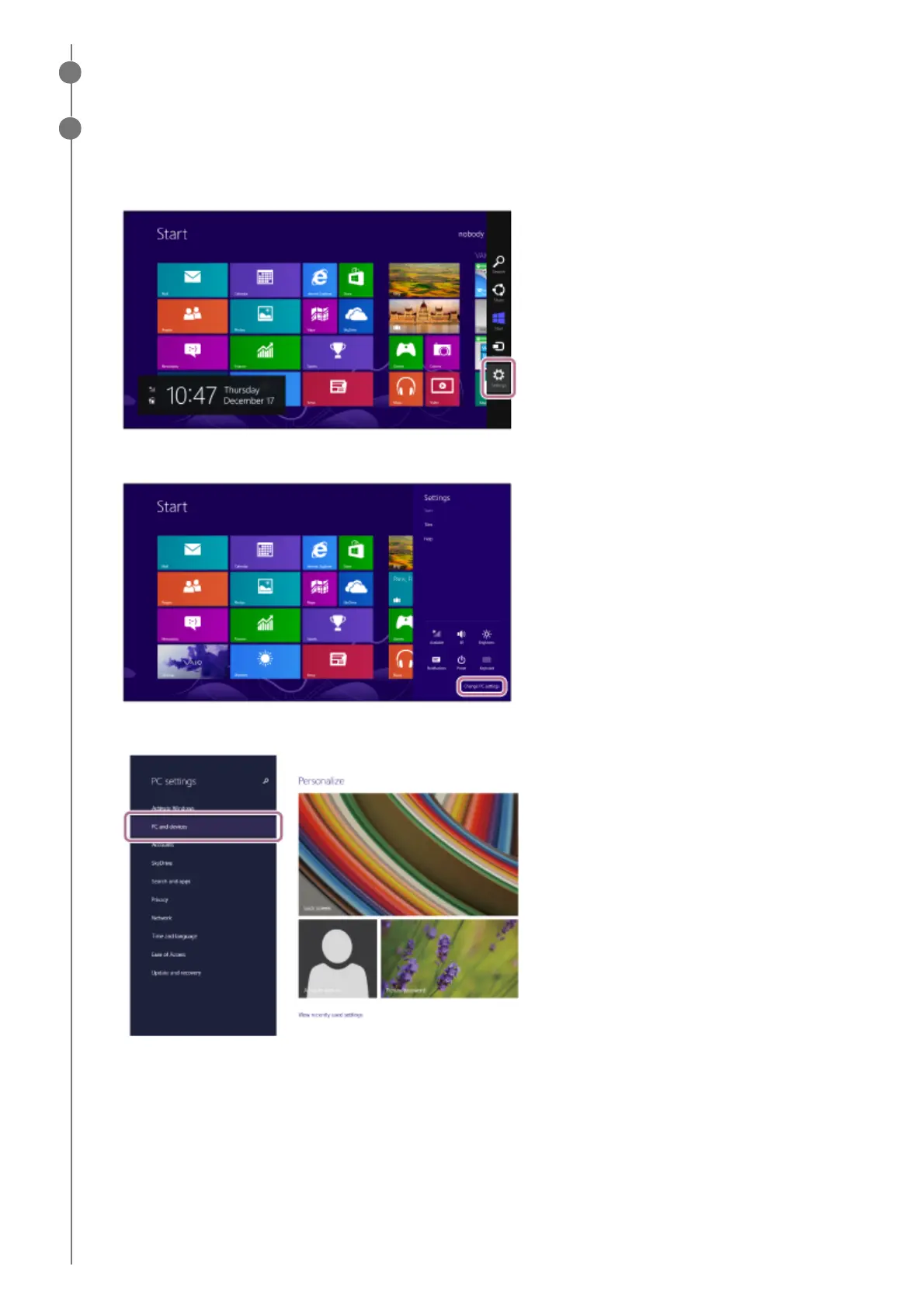
Move the mouse pointer to the top-right corner of the screen (when using a touch panel, swipe from the right
edge of the screen), then select [Settings] from the Charm Bar.
1.
Select [Change PC Settings] of the [Settings] charm.
2.
Select [PC and devices] of the [PC Settings] screen.
3.
Select [Bluetooth].
4.



 To Next Page