11(GB)
AF RF BATT
AF RF BATT
– button
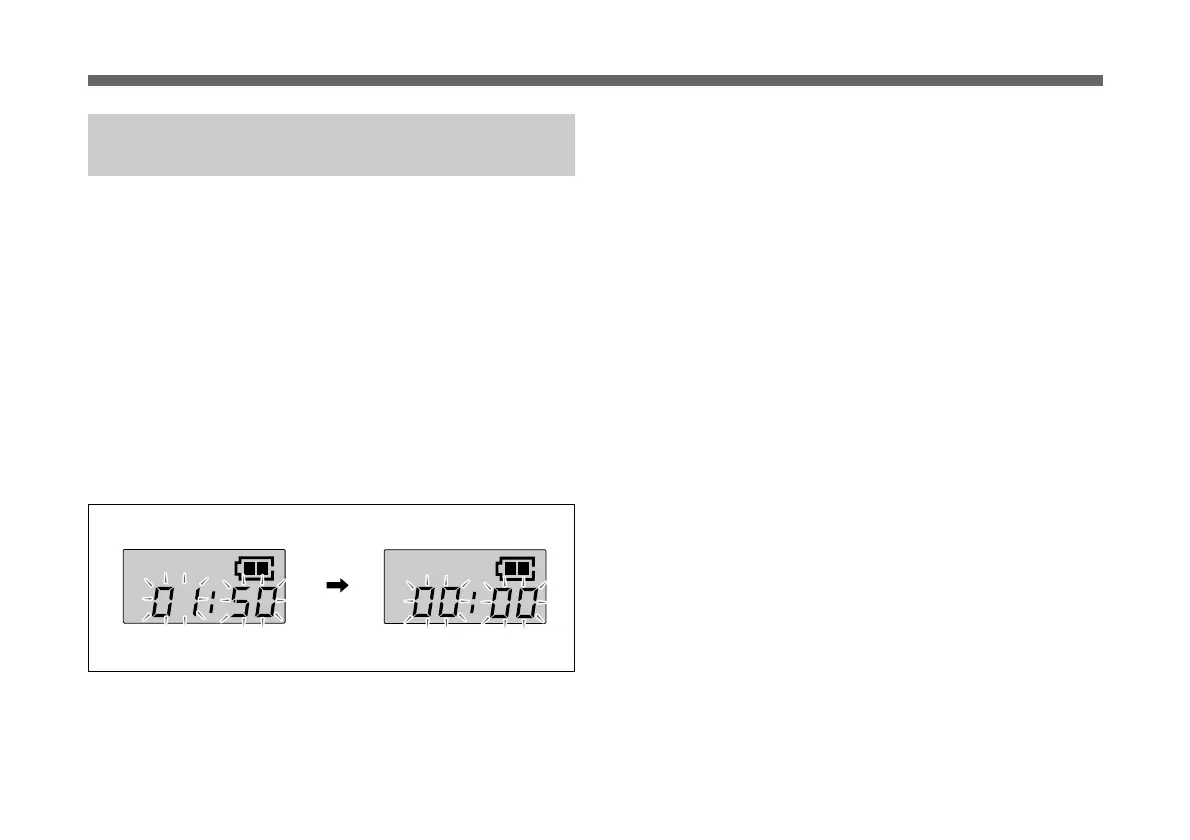
Resetting the Accumulated Battery Use
Time Indication
The accumulated battery use time is the total time (in hours
and minutes) the battery has been used. It is recorded
whenever the WRT-807B is on.
Reset the indication to 00:00 whenever you replace the
battery.
1 Set the microphone to Setting mode.
2 If the accumulated battery use time is not displayed,
press the SET button until it appears.
3 Press the – button.
The indication resets to 00:00.
Press the + button while the 00:00 indication is on to go
back to previous value.
4 Turn the POWER switch to OFF to release Setting
mode.


 To Next Page