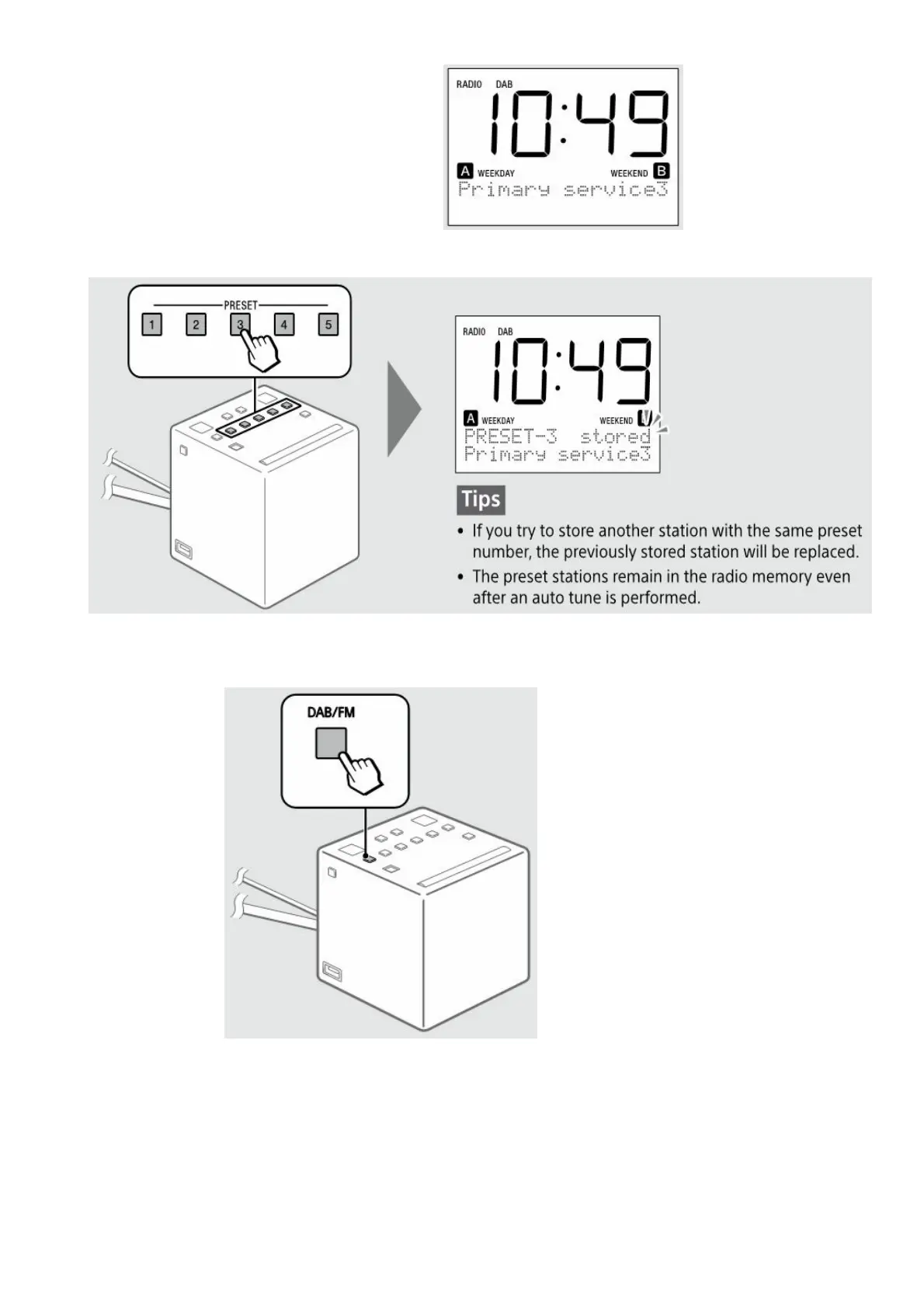
1. Tune to the station you want to preset.
Follow the steps in “Listening to the Radio” above.
2. Press and hold the desired preset button (1–5) until “PRESET-X stored” appears on the display.
Example: Presetting a tuned station to the preset button 3
Listening to a preset station
1. Select DAB or FM.
2. Select the desired preset station.
Example: When the preset button 3 is pressed



 To Next Page