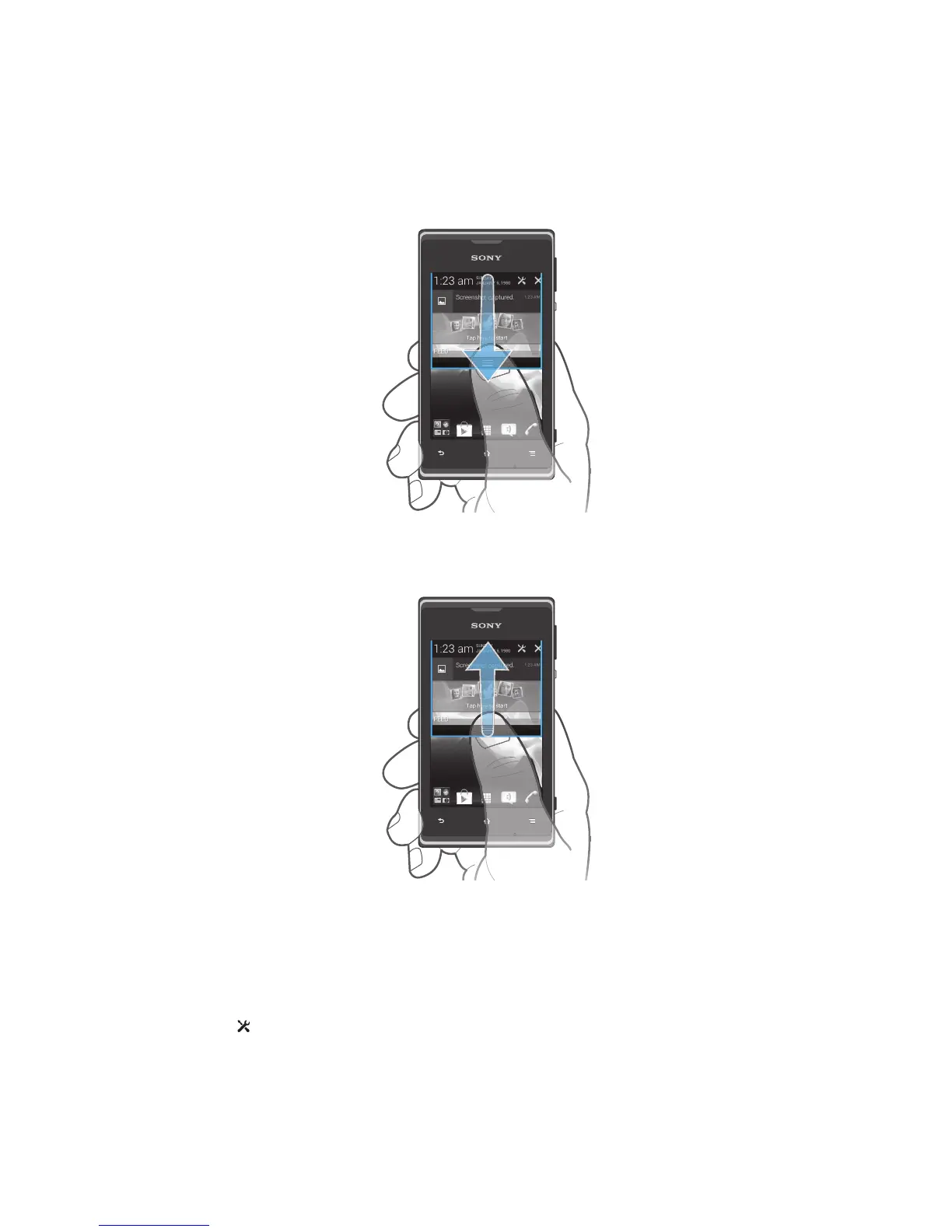
Checking notifications and ongoing activities
You can drag down the status bar to open the Notification panel and get more
information. For example, you can use the panel to open a new message or view a
calendar event. You can also open some applications that run in the background,
such as the music player.
To open the Notification panel
•
Drag the status bar downwards.
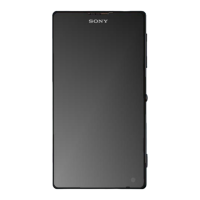
To close the Notification panel
•
Drag the tab at the bottom of the Notification panel upwards.
To open a running application from the Notification panel
•
Tap the icon for the running application to open it.
To open the phone settings menu from the Notification panel
1
Drag the status bar downwards.
2
Tap .
To dismiss a notification from the Notification panel
•
Place your finger on a notification and flick left or right.
23
This is an Internet version of this publication. © Print only for private use.



 To Next Page