To deactivate Low battery mode
1 From your Home screen, tap .
2 Find and tap Settings > Power management.
3 Tap next to Low battery mode.
To change the settings for Low battery mode
1 From your Home screen, tap .
2 Find and tap Settings > Power management.
3 To open the settings menu, tap Low battery mode.
4 Adjust the settings as desired.
5 When you're finished, tap .
Using the lock screen
You can access certain features directly from the lock screen, for example, you can take
photos and access the music player to play, pause or change a music track.
To take a photo from the lock screen
1 To activate the screen, briefly press the power key .
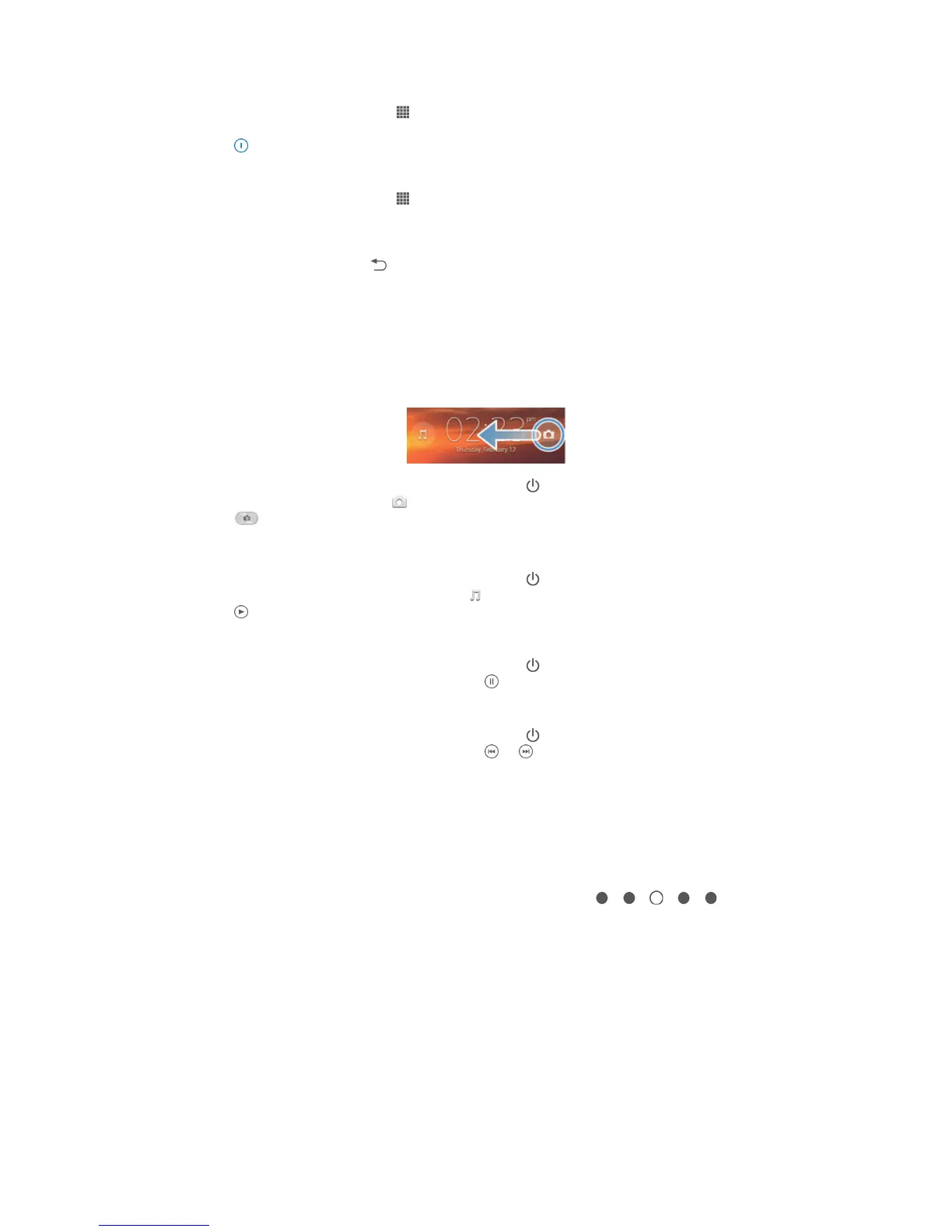
2 To activate the camera, drag across the screen.
3 Tap .
To play an audio track from the lock screen
1 To activate the screen, briefly press the power key .
2 To activate the music player controls, tap .
3 Tap .
To pause an audio track from the lock screen
1 To activate the screen, briefly press the power key .
2 When the music player controls appear, tap .
To change the currently playing audio track from the lock screen
1 To activate the screen, briefly press the power key .
2 When the music player controls appear, tap or .
Home screen
The Home screen is your gateway to the main features on your device. You can
customize your Home screen with widgets, shortcuts, folders, themes, wallpaper, and
other items.
The Home screen extends beyond the regular screen display width, so you need to flick
left or right to view content in all of the Home screen's panes. shows
which part of the Home screen you are in. You can set a pane as the main Home
screen pane, and add, or delete panes.
17
This is an Internet version of this publication. © Print only for private use.



 To Next Page