Help Guide
Digital Camera
ZV-1
About Scene Recognition
Scene Recognition operates in [Intelligent Auto] mode.
This function allows the product to automatically recognize the shooting conditions and shoot the image.
Scene Recognition
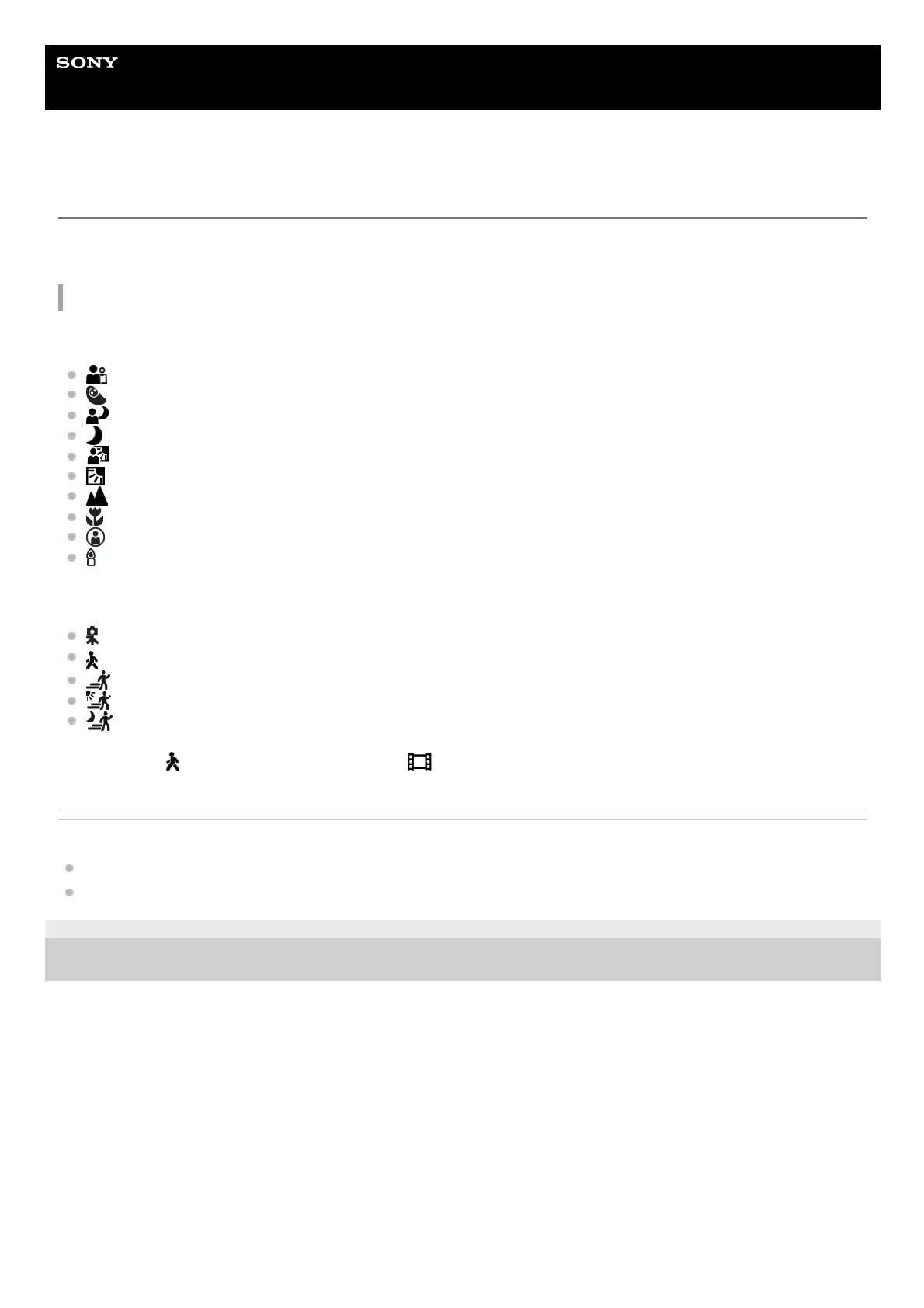
When the product recognizes certain scenes, the following icons and guides are displayed on the first line:
(Portrait)
(Infant)
(Night Portrait)
(Night Scene)
(Backlight Portrait)
(Backlight)
(Landscape)
(Macro)
(Spotlight)
(Low Light)
When the product recognizes certain conditions, the following icons are displayed on the second line:
(Tripod)
(Walk)
*
(Move)
(Move (Bright))
(Move (Dark))
* The condition
(Walk) is recognized only when [ SteadyShot] is set to [Active].
Related Topic
Intelligent Auto
Intelligent Auto (movie)
5-016-934-11(1) Copyright 2020 Sony Corporation


 To Next Page