Playback time
For example, if you shoot for approx. 4 seconds with [
Record Setting] set to [24p 50M]*, [ Frame Rate] set to
[960fps], and [
Priority Setting] set to [Shoot Time Priority], the playback speed will be 40 times slower and the
playback time will be approx. 160 seconds (approx. 2 minutes and 40 seconds).
* Only when [NTSC/PAL Selector] is set to NTSC.
Note
Sound will not be recorded.
The movie will be recorded in XAVC S HD format.
It may take time for recording to finish after you press the MOVIE button. Wait until the camera enters the shooting standby to
start the next session of shooting.
Related Topic
HFR (High Frame Rate): Exposure Mode
5-016-934-11(1) Copyright 2020 Sony Corporation
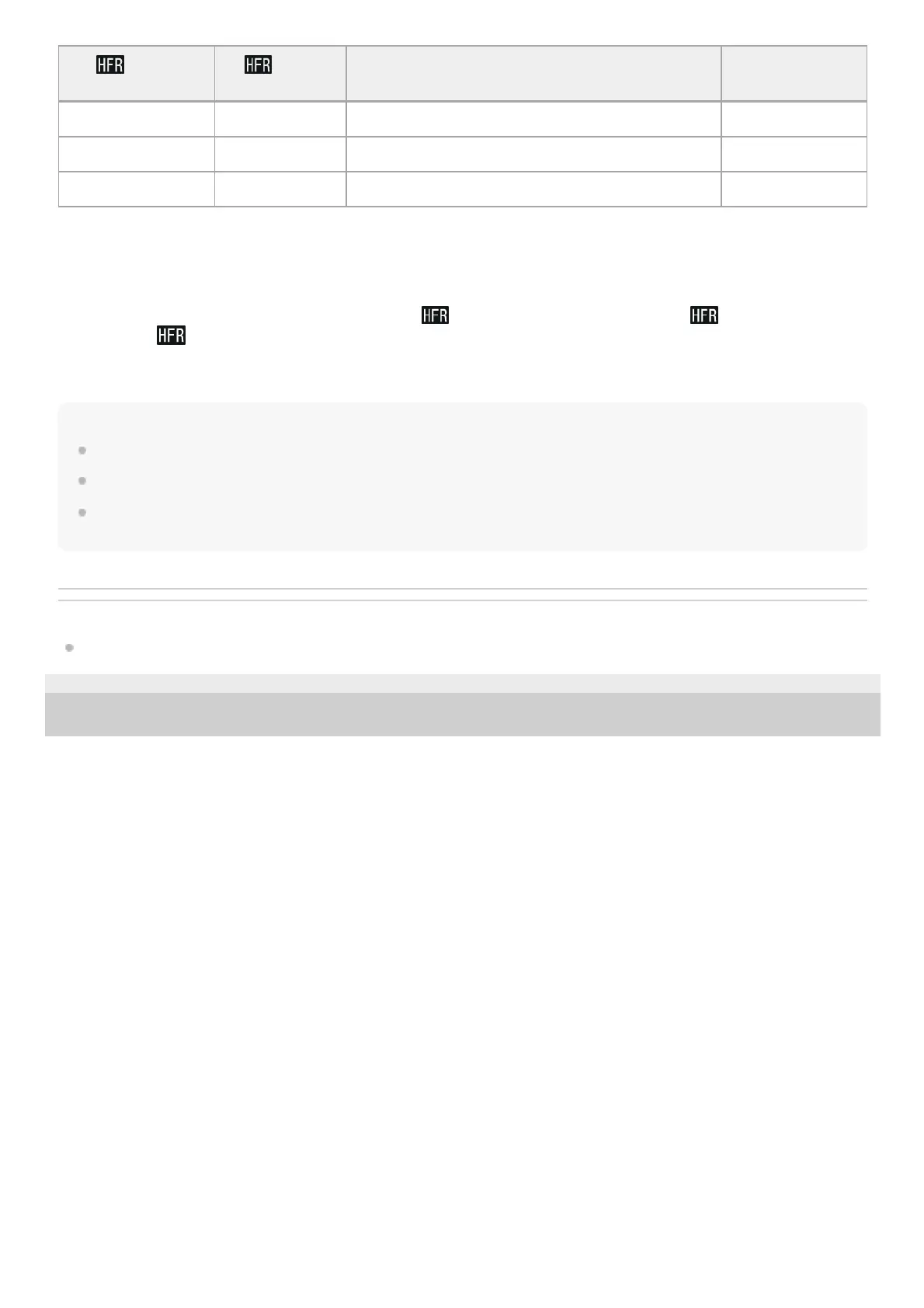
Priority
Setting
Frame
Rate
Effective pixel number read out from image
sensor
Shooting
duration
Shoot Time Priority 240fps/250fps 1824×616 Approx. 3 seconds
Shoot Time Priority 480fps/500fps 1292×436 Approx. 3 seconds
Shoot Time Priority 960fps/1000fps 912×308 Approx. 3 seconds



 To Next Page