Help Guide
Digital Camera
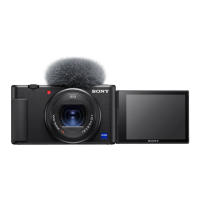
ZV-1
Zoom
Enlarge images using the W/T (zoom) lever when shooting.
Hint
When you select other than [Optical zoom only] for [Zoom Setting], you can exceed the zoom range of the optical zoom to zoom
images.
Related Topic
Zoom Setting
The zoom features available with this product
Zoom Speed
5-016-934-11(1) Copyright 2020 Sony Corporation
Enlarge images with the W/T (zoom) lever when shooting.
Move the W/T (zoom) lever to the T side to zoom in and to the W side to zoom out.
1


 To Next Page