Help Guide
Interchangeable Lens Digital Camera
ZV-E1
RAW File Type
Selects the file type for RAW images.
Menu item details
Uncompressed:
Records images in uncompressed RAW format. When [Uncompressed] is selected for [RAW File Type], the file size of
the image will be larger than if it were recorded in [Lossless Comp] or [Compressed].
Lossless Comp:
Records images in lossless compression format with high compression ratio without deterioration of image quality. The
file size of the image will be smaller than if it were recorded in [Uncompressed].
Compressed:
Records images in compressed RAW format. The file size of the image will be approximately half of that with
[Uncompressed].
Hint
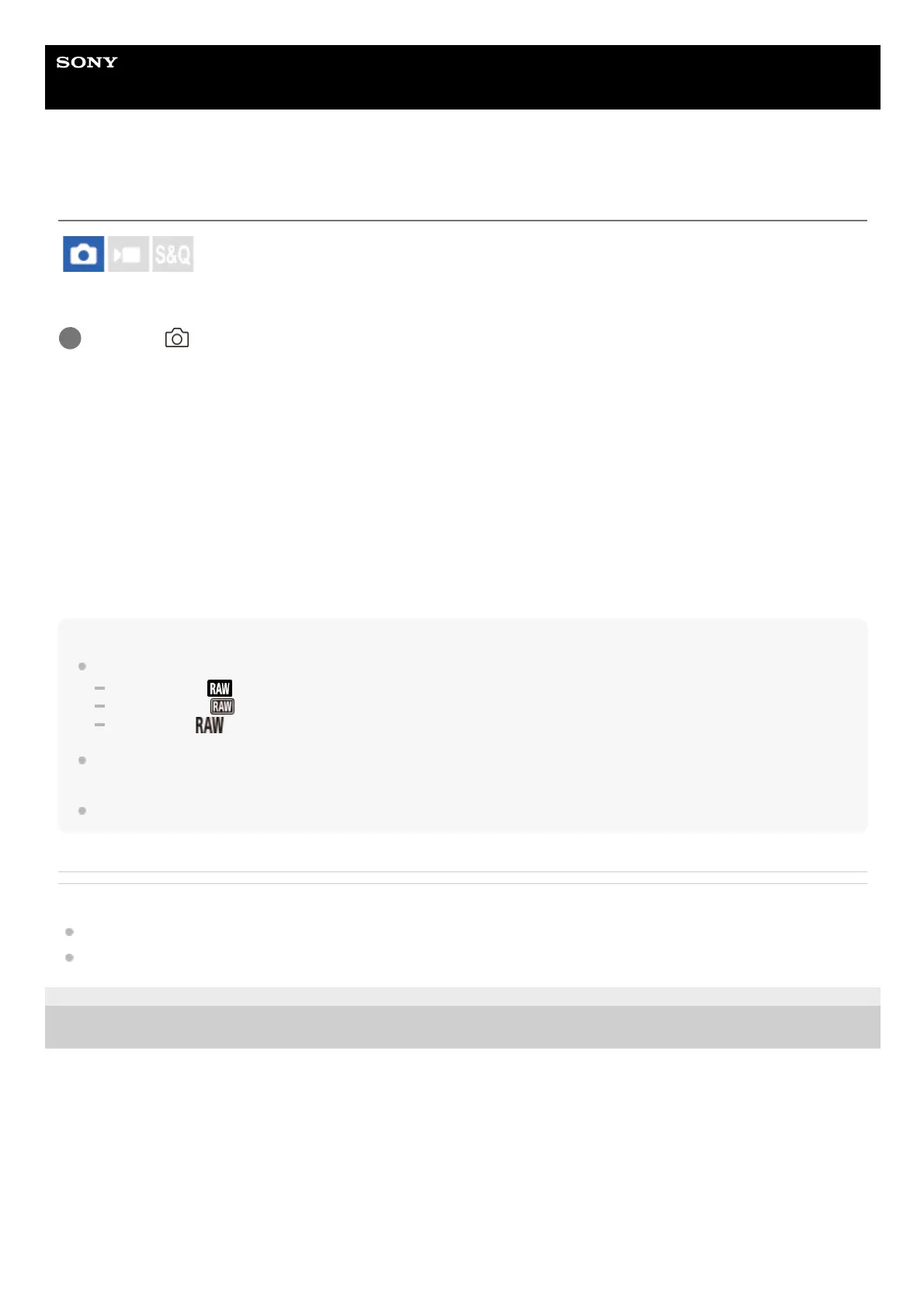
Icons for RAW file type are displayed as follows:
Uncompressed:
Lossless Comp:
Compressed:
The aspect ratio for RAW images will always be 3:2. When recording a RAW image and a JPEG or HEIF image at the same time,
the JPEG or HEIF image will be recorded with the value set in [Aspect Ratio].
The image size for RAW images corresponds to the “L” size for JPEG images.
Related Topic
File Format (still image)
JPEG Image Size/HEIF Image Size
5-048-827-11(1) Copyright 2023 Sony Corporation
MENU →
(Shooting) → [Image Quality/Rec] → [RAW File Type] → desired setting.
1



 To Next Page