Help Guide
Interchangeable Lens Digital Camera
ZV-E1
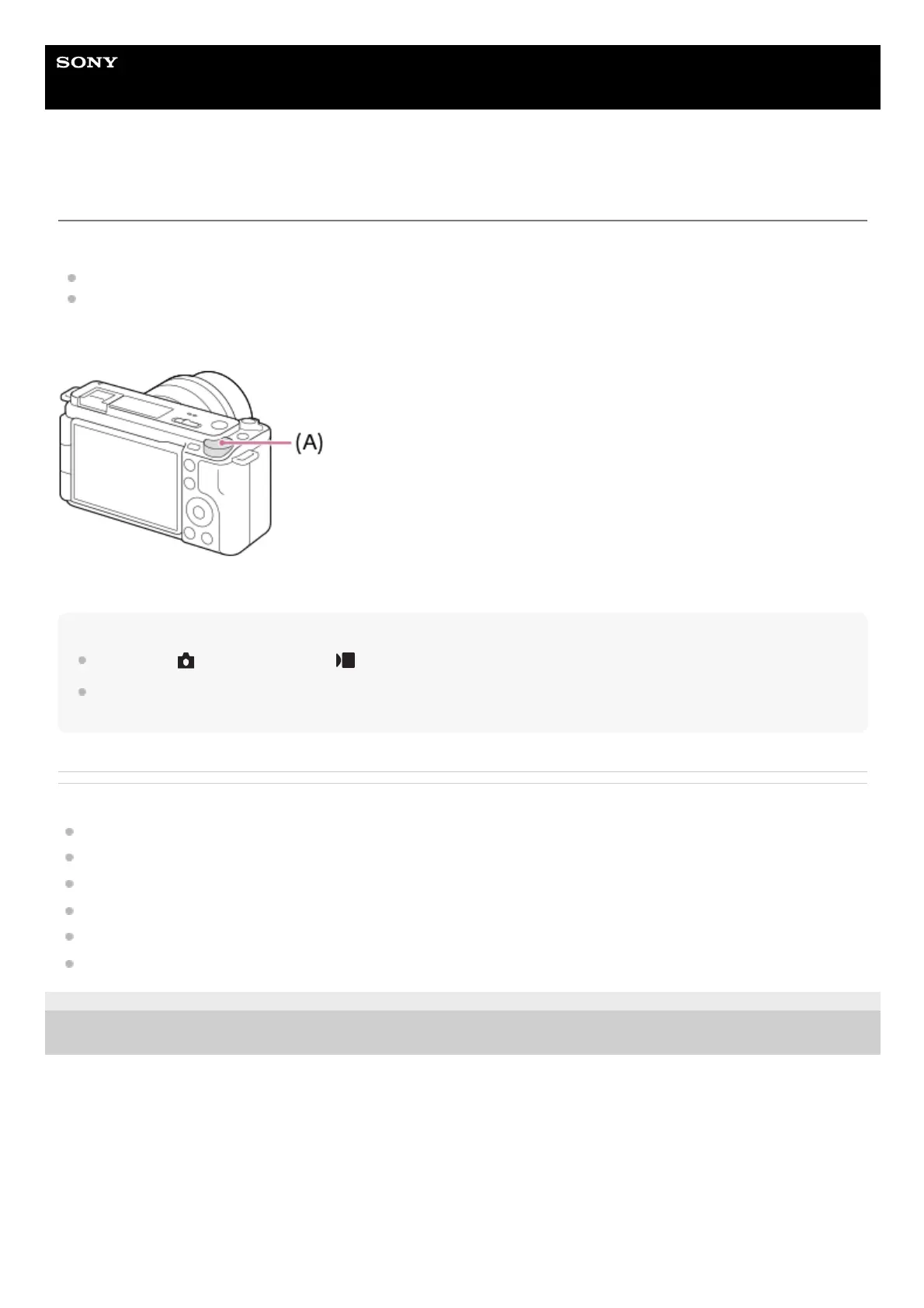
Control dial
You can use the control dial to quickly change the setting values in the following cases:
When you want to adjust the aperture value or shutter speed.
When you want to change the camera settings during shooting.
During playback, you can turn the dials to browse images.
(A): Control dial
Hint
You can use [
Custom Key/Dial Set.]/[ Custom Key/Dial Set.] to assign the desired function to the control dial.
You can also use the [My Dial Settings] function to assign your desired function to the control dial, and recall the function when
required.
Related Topic
Shoot Mode: Aperture Priority
Shoot Mode: Shutter Priority
Shoot Mode: Manual Exposure
Assigning frequently used functions to buttons and dials (Custom Key/Dial Set.)
Changing the function of the dial temporarily (My Dial Settings)
Av/Tv Rotate
5-048-827-11(1) Copyright 2023 Sony Corporation



 To Next Page