Help Guide
Interchangeable Lens Digital Camera
ZV-E1
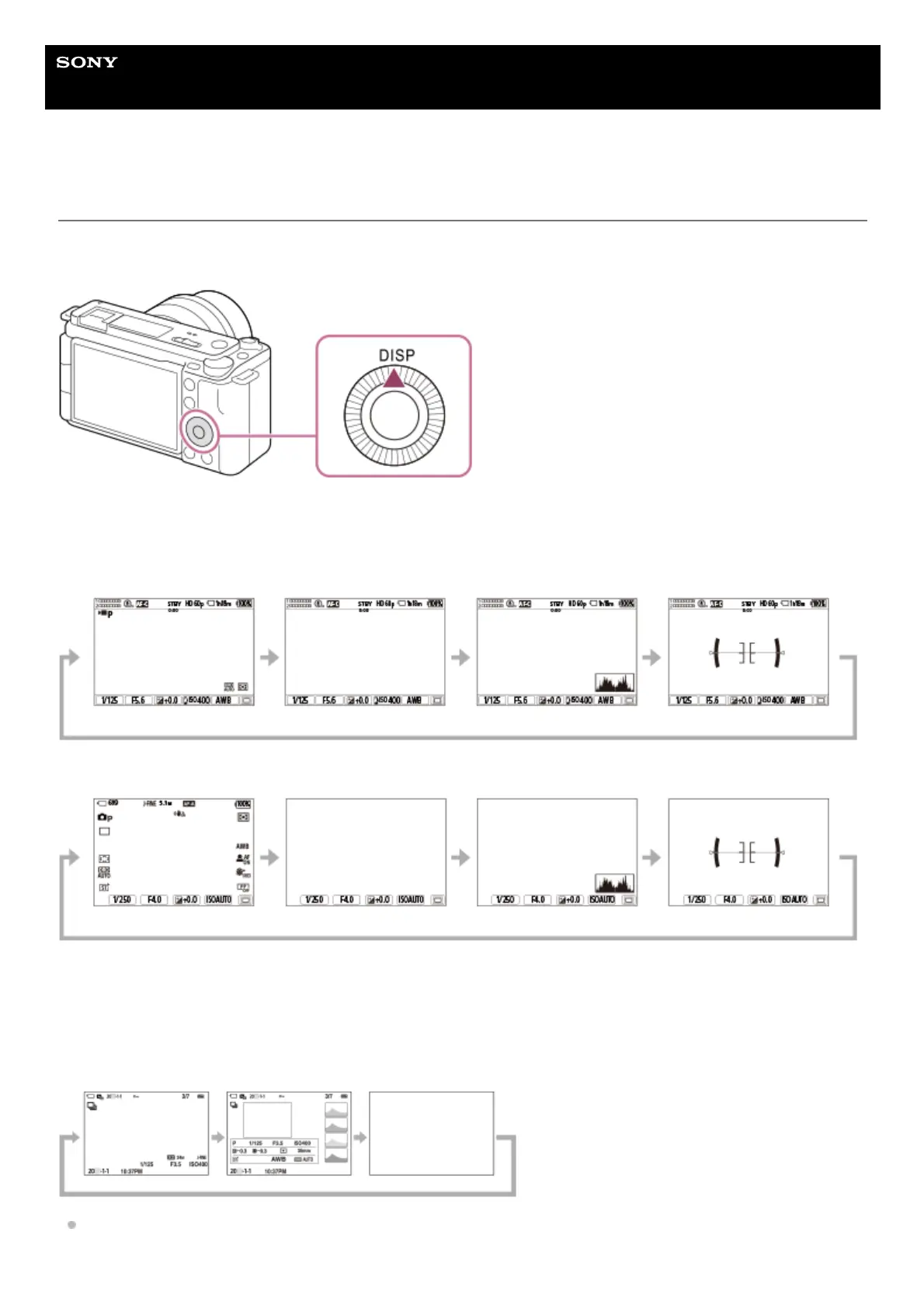
DISP (Display Setting) button
By pressing the DISP (Display Setting) button, you can change the content displayed on the screen during shooting and
playback. The display switches each time the DISP button is pressed.
During shooting
Display All Info. → No Disp. Info. → Histogram → Level → Display All Info.
When shooting movies:
When shooting still images:
During playback
Display Info. → Histogram → No Disp. Info. → Display Info.
If the image has an overexposed or underexposed area, the corresponding section will blink on the histogram display
(overexposed/underexposed warning).



 To Next Page