Help Guide
Interchangeable Lens Digital Camera
ZV-E1
FEL lock
The flash level is automatically adjusted so that the subject gets the optimum exposure during normal flash shooting. You
can also set the flash level in advance.
FEL: Flash Exposure Level
Hint
By setting [FEL Lock hold], you can hold the setting while the button is pressed down. Also, by setting [FEL Lock/AEL hold] and
[FEL Lock/AEL tggle.], you can shoot images with the AE locked in the following situations.
When [Flash Mode] is set to [Flash Off] or [Autoflash].
When the flash cannot go off.
MENU →
(Setup) → [Operation Customize] → [ Custom Key/Dial Set.] → desired button, then assign
the [FEL Lock toggle] function to the button.
1
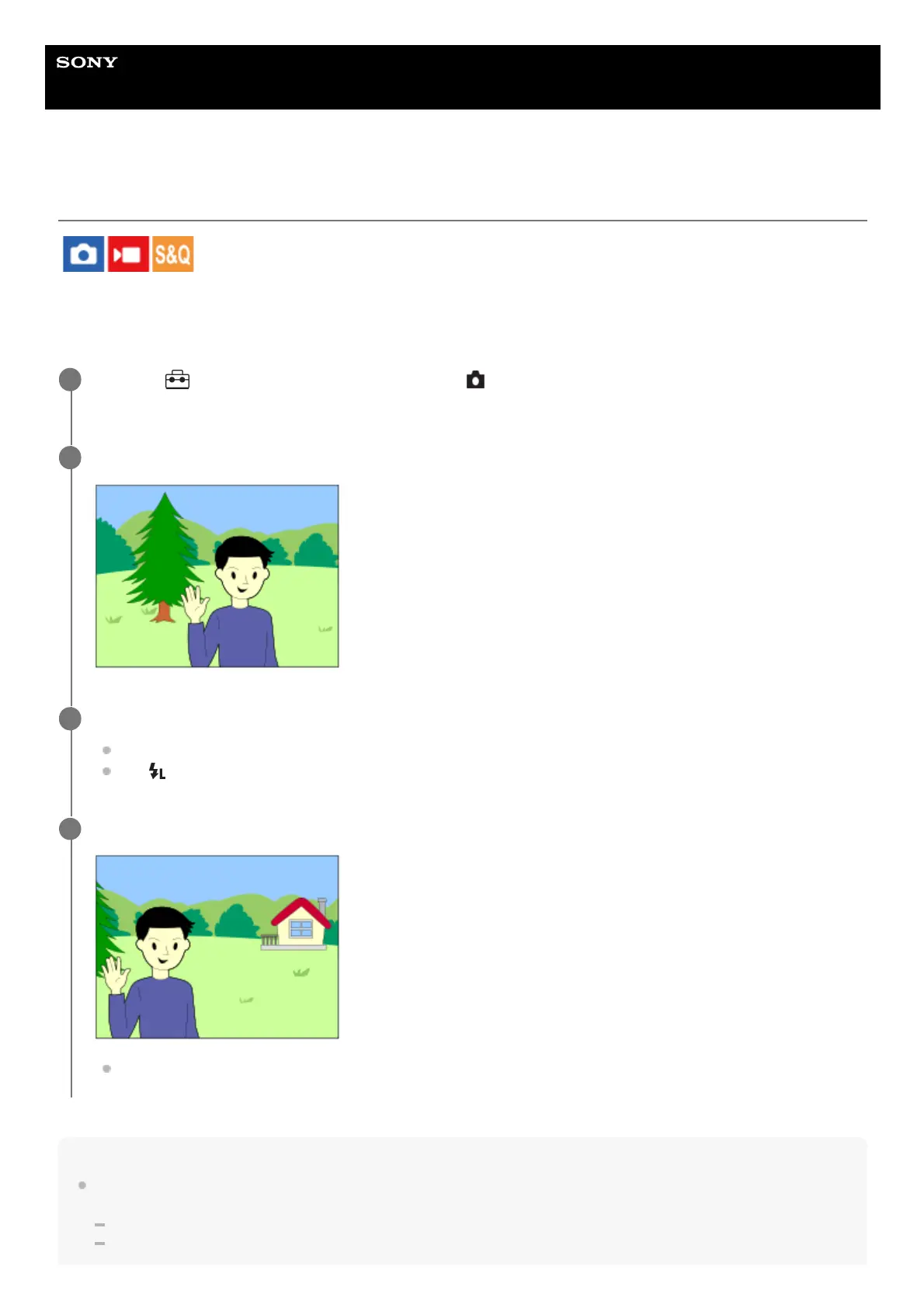
Center the subject on which FEL is to be locked, and adjust the focus.
2
Press the button to which [FEL Lock toggle] is registered, and set the flash amount.
A pre-flash flashes.
The
(FEL lock) lights up.
3
Adjust the composition and shoot the image.
When you want to release the FEL lock, press the button to which the [FEL Lock toggle] is registered again.
4



 To Next Page