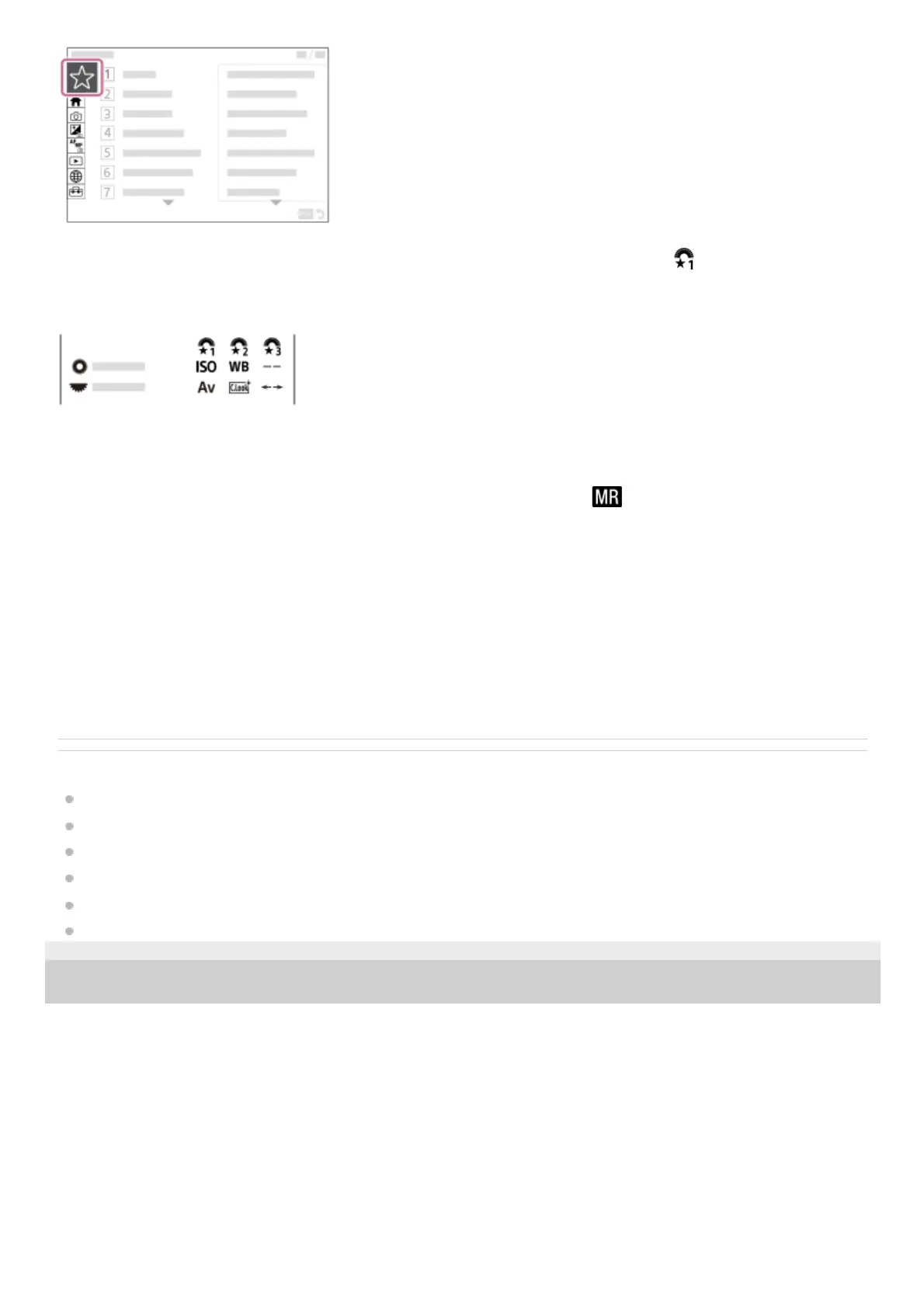
To assign different functions to the dial and switch the function of the dial ( My Dial Settings )
You can assign the desired functions to the control dial and the control wheel, and register up to three combinations of
settings to the camera as the “My Dial 1 - 3” settings.
Example: [My Dial Settings] screen for models with a control dial
To change the shooting settings quickly according to the scene (
Camera Set. Memory)
You can register the appropriate shooting settings* for scene to the camera or a memory card, and call up the settings
easily by using the function menu, etc.
To save the customized camera settings to a memory card (Save/Load Settings)
You can save camera settings* to a memory card using [Save/Load Settings]. This function is useful when you want to
back up the settings, or to import the settings to another camera of the same model, etc.
Related Topic
Assigning frequently used functions to buttons and dials (Custom Key/Dial Set.)
Fn (function) button
Add Item
Changing the function of the dial temporarily (My Dial Settings)
Camera Set. Memory
Save/Load Settings
5-048-827-11(1) Copyright 2023 Sony Corporation
You cannot register custom key settings.
*
Some settings cannot be saved on a memory card.
*



 To Next Page