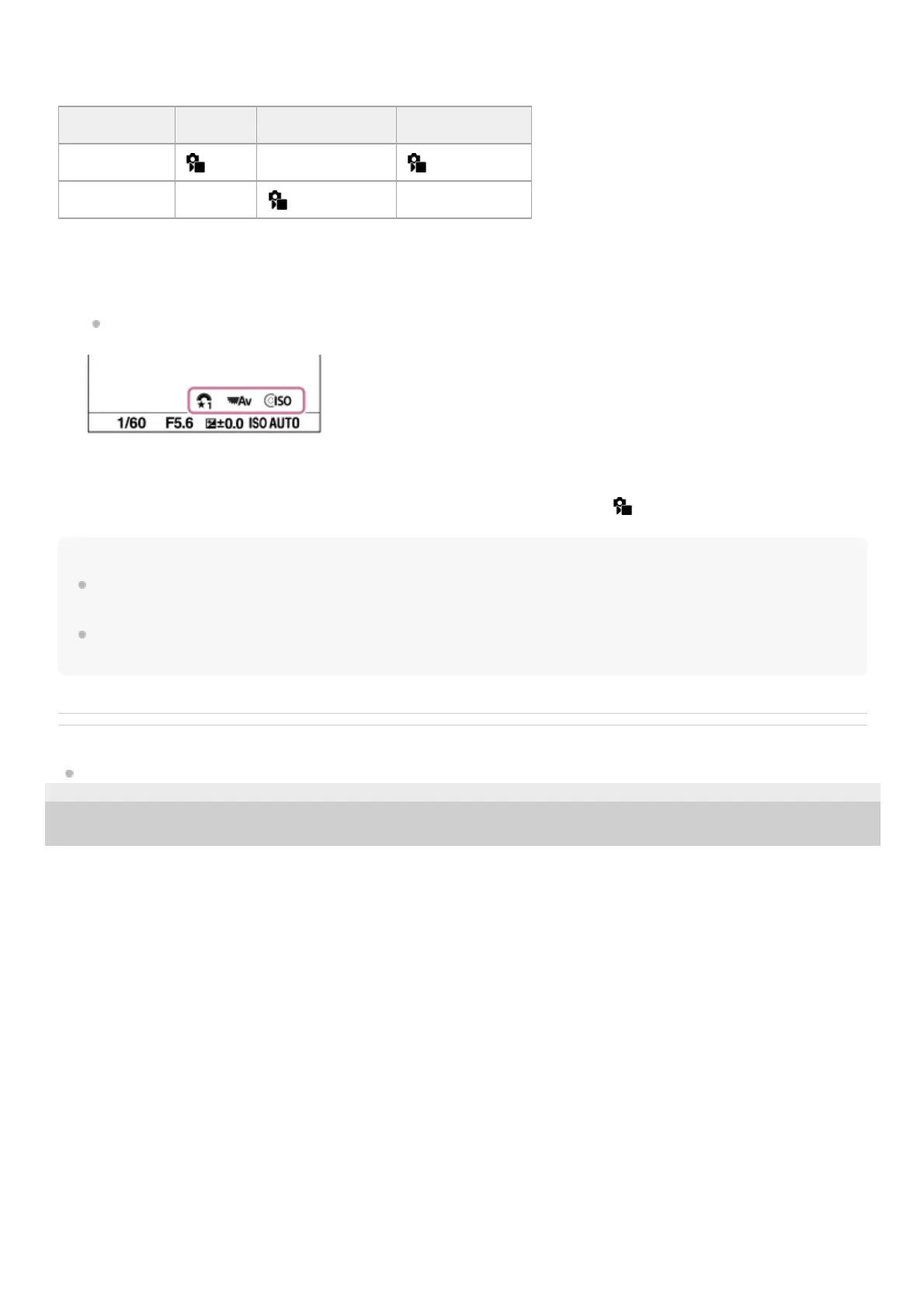
In the following example, the functions listed below are registered to "My Dial," and [My Dial 1→2→3] is assigned to the
C1 (Custom 1) button.
Note
“My Dial” settings in which every dial/wheel is set to [Not set] are not recalled when you press the custom key. They are also
skipped in [My Dial 1→2→3].
Even if a dial/wheel has been locked using the [Dial / Wheel Lock] function, it will be unlocked temporarily when “My Dial” is
recalled.
Related Topic
Assigning frequently used functions to buttons and dials (Custom Key/Dial Set.)
5-048-827-11(1) Copyright 2023 Sony Corporation
My Dial 1 My Dial 2 My Dial 3
Control wheel
ISO Shutter Speed Creative Look
Control dial Aperture
White Balance Not set
Press the C1 (Custom1) button.
The functions registered to [My Dial 1] will be assigned to the control wheel/control dial.
The icons for the functions registered to [My Dial 1] are displayed in the lower part of the screen.
1.
Turn the control wheel to set the ISO value, and turn the control dial to set the aperture value.2.
Press the C1 button again. The functions registered to [My Dial 2] will be assigned to the control wheel/control dial.3.
Turn the control wheel to set the shutter speed, and turn the control dial to set [
White Balance].4.
Press the C1 button again, and change the setting values for the functions registered to [My Dial 3].5.



 To Next Page