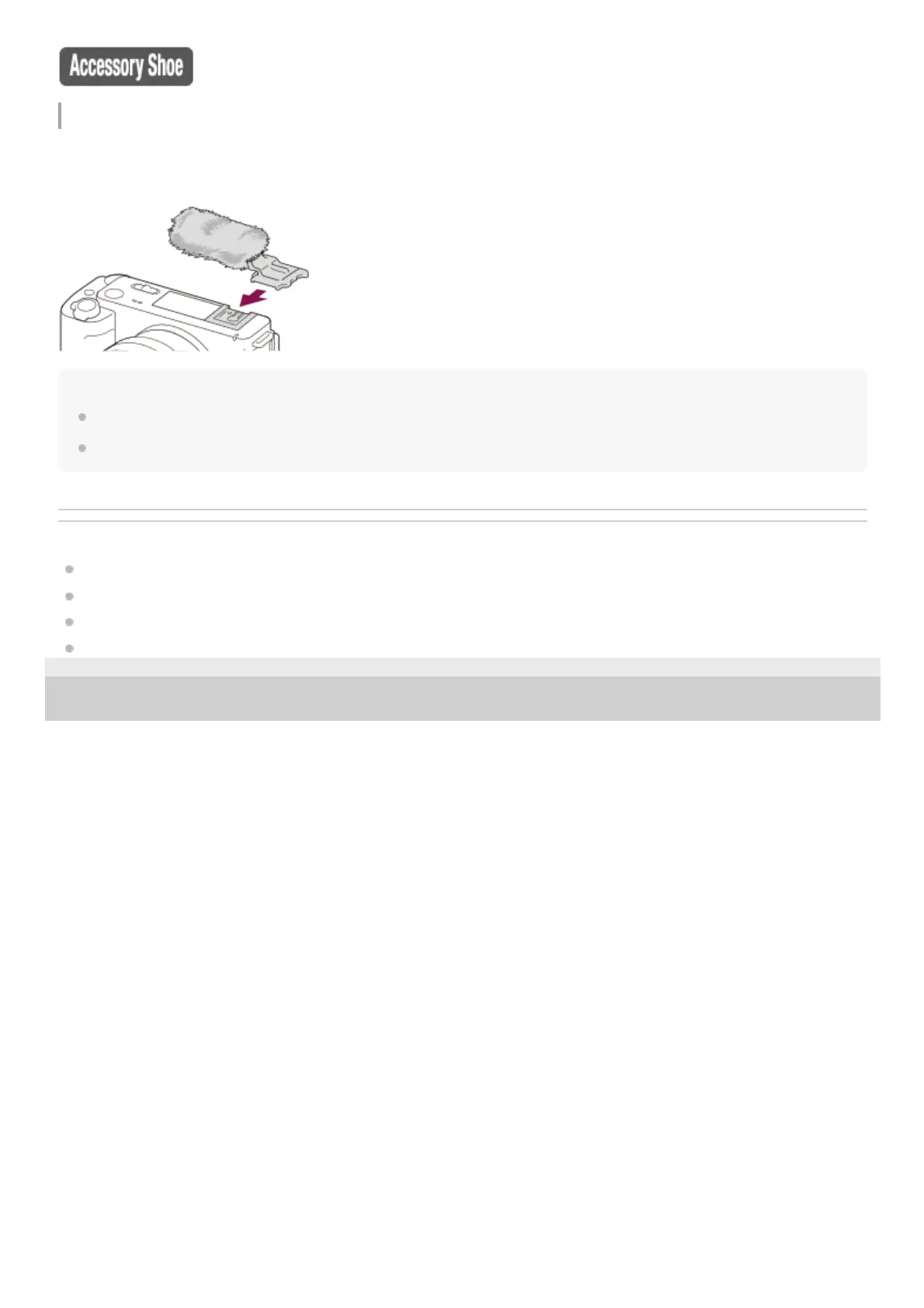
Using the wind screen (supplied)
Use the wind screen to reduce wind noise picked up by the internal microphone when recording a movie.
Attach the wind screen to the Multi Interface Shoe.
Note
When attaching the wind screen, make sure that the wind screen does not get caught in the Multi Interface Shoe.
When attaching a lens, make sure that the wind screen does not get caught in the lens mount.
Related Topic
Front side
Rear side
Sides
Bottom
5-048-827-11(1) Copyright 2023 Sony Corporation



 To Next Page