Help Guide
Interchangeable Lens Digital Camera
ZV-E1
List of default setting values (Playback)
The default setting values at the time of purchase are shown in the following table.
To reset settings to the default values
Select MENU →
(Setup) → [Reset/Save Settings] → [Setting Reset] → [Camera Settings Reset] or [Initialize] →
[Enter].
Initialize: All the settings of the camera will be reset to the default values.
Camera Settings Reset: Items that can be reset are limited. See the following table.
(Playback) tab
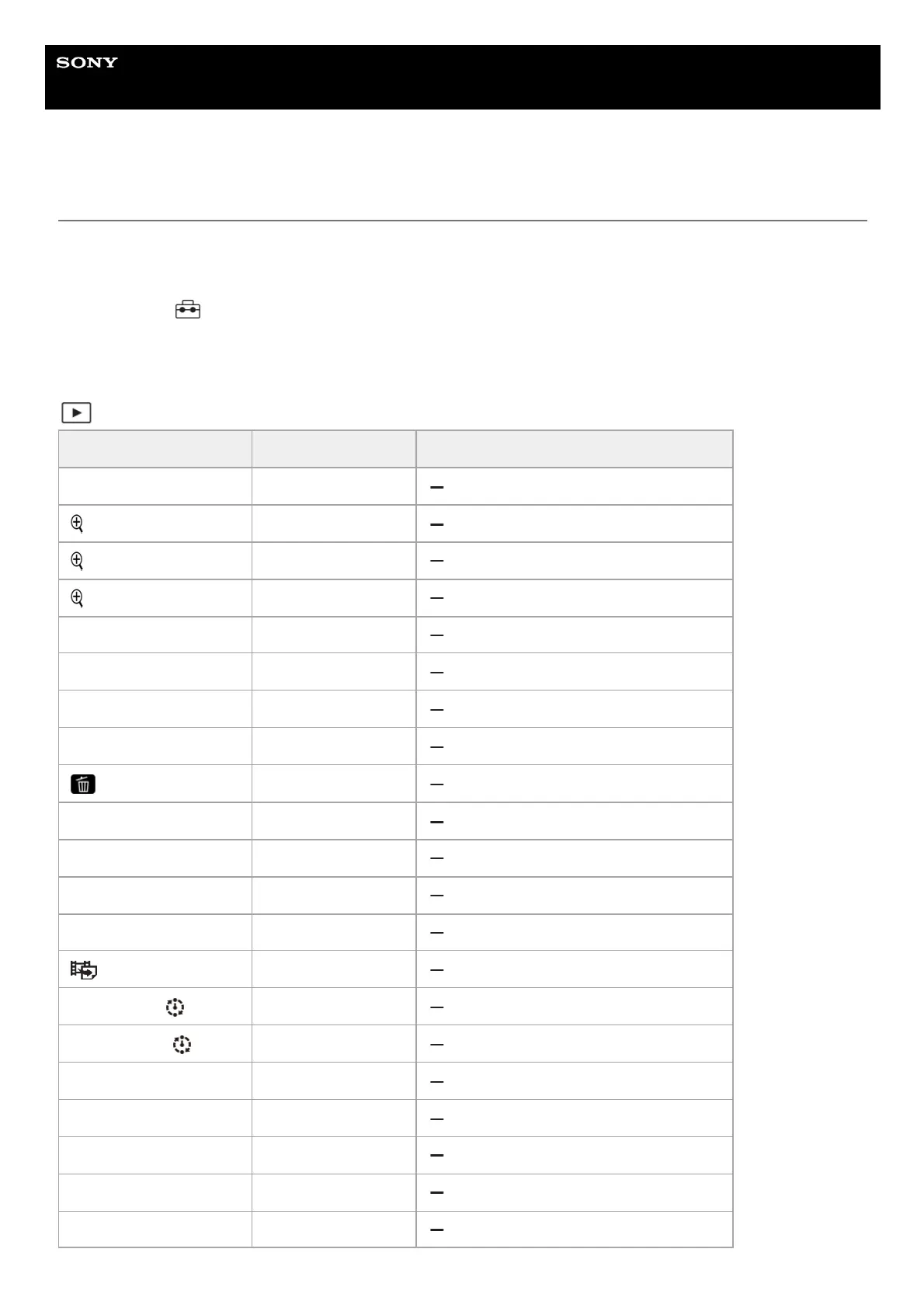
MENU item Default setting value Resettable using [Camera Settings Reset]
View Mode Date View
Enlarge Image ―
Enlarge Initial Mag. Standard. Mag.
Enlarge Initial Position Focused Position
Protect ―
Rating ―
Rating Set(Custom Key) ―
Delete ―
Delete pressing twice Off
Delete confirm. "Cancel" first
Crop ―
Rotate ―
Photo Capture ―
JPEG/HEIF Switch JPEG
Cont. Play for Interval —
Play Speed for Interval 5
Slide Show (Repeat) Off
Slide Show (Interval) 3 Sec
Image Index 9 Images
Display as Group On
Display Rotation Auto



 To Next Page